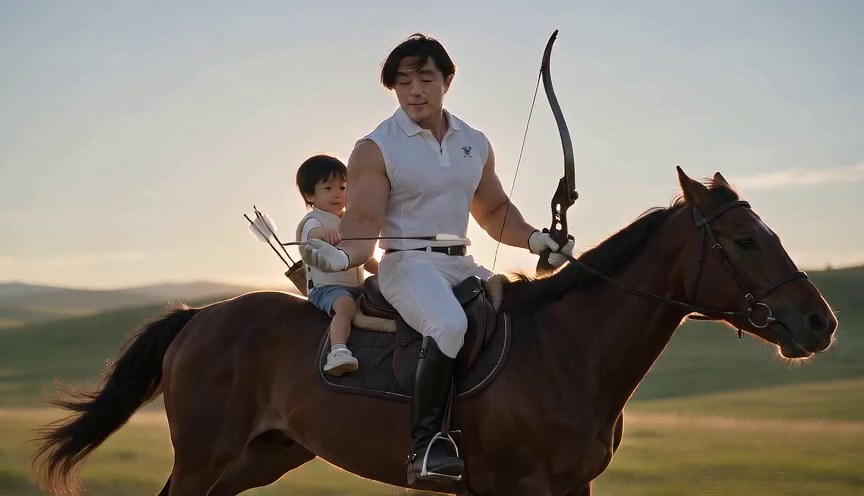
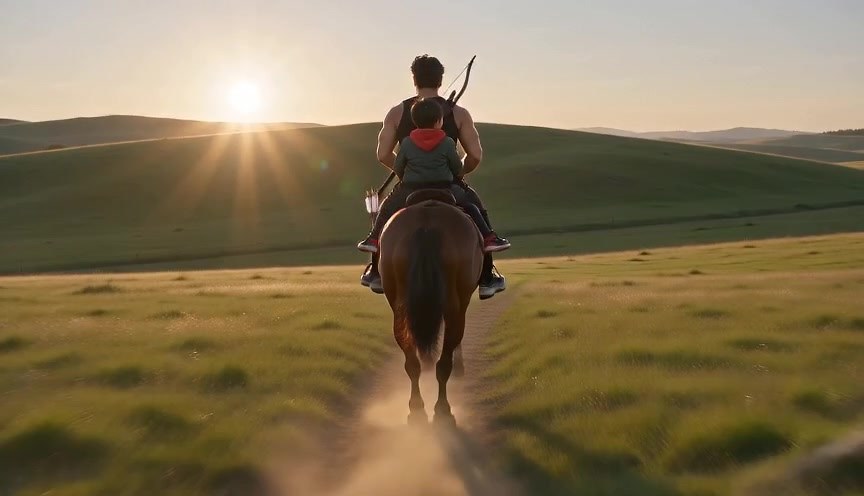
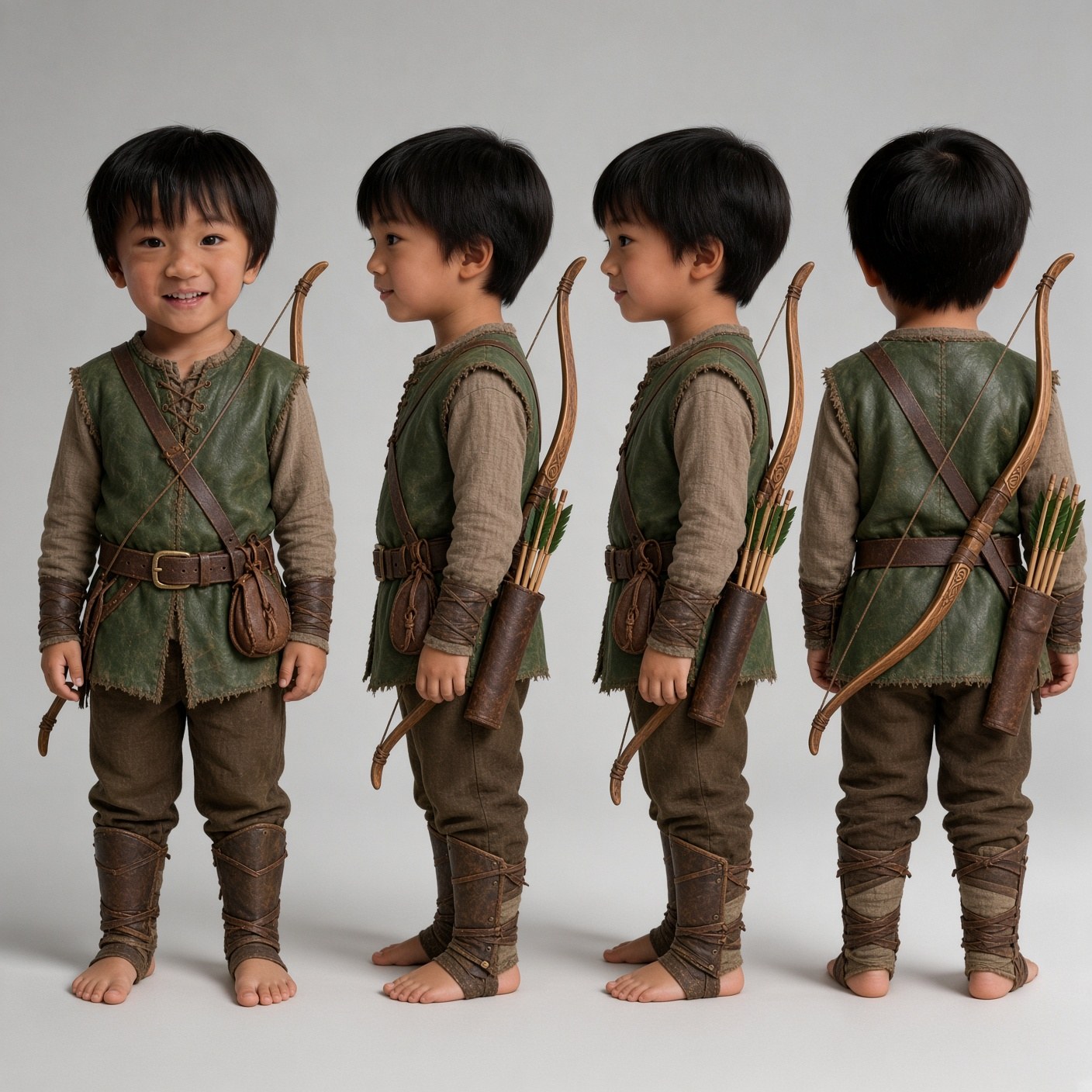
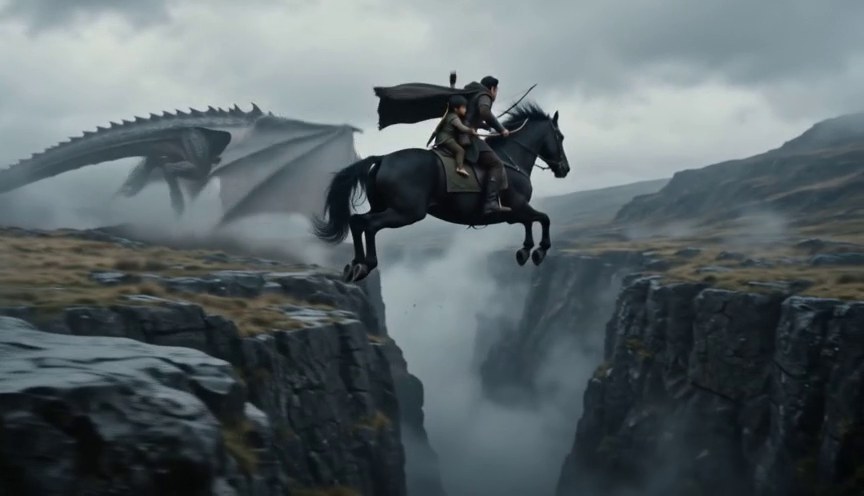
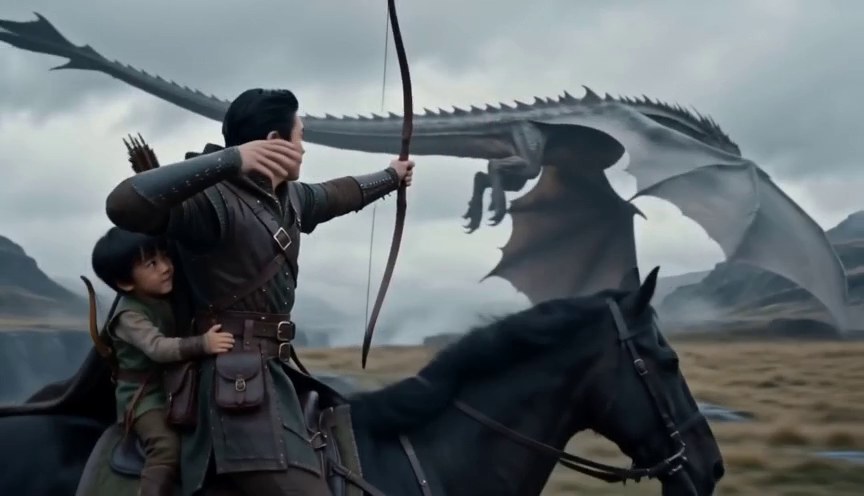
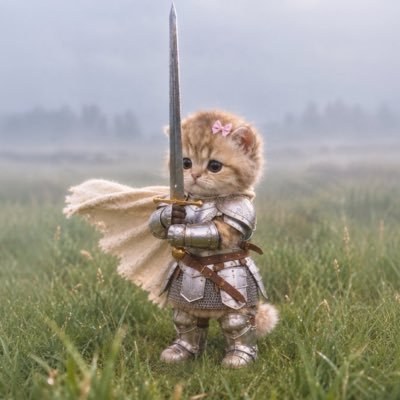
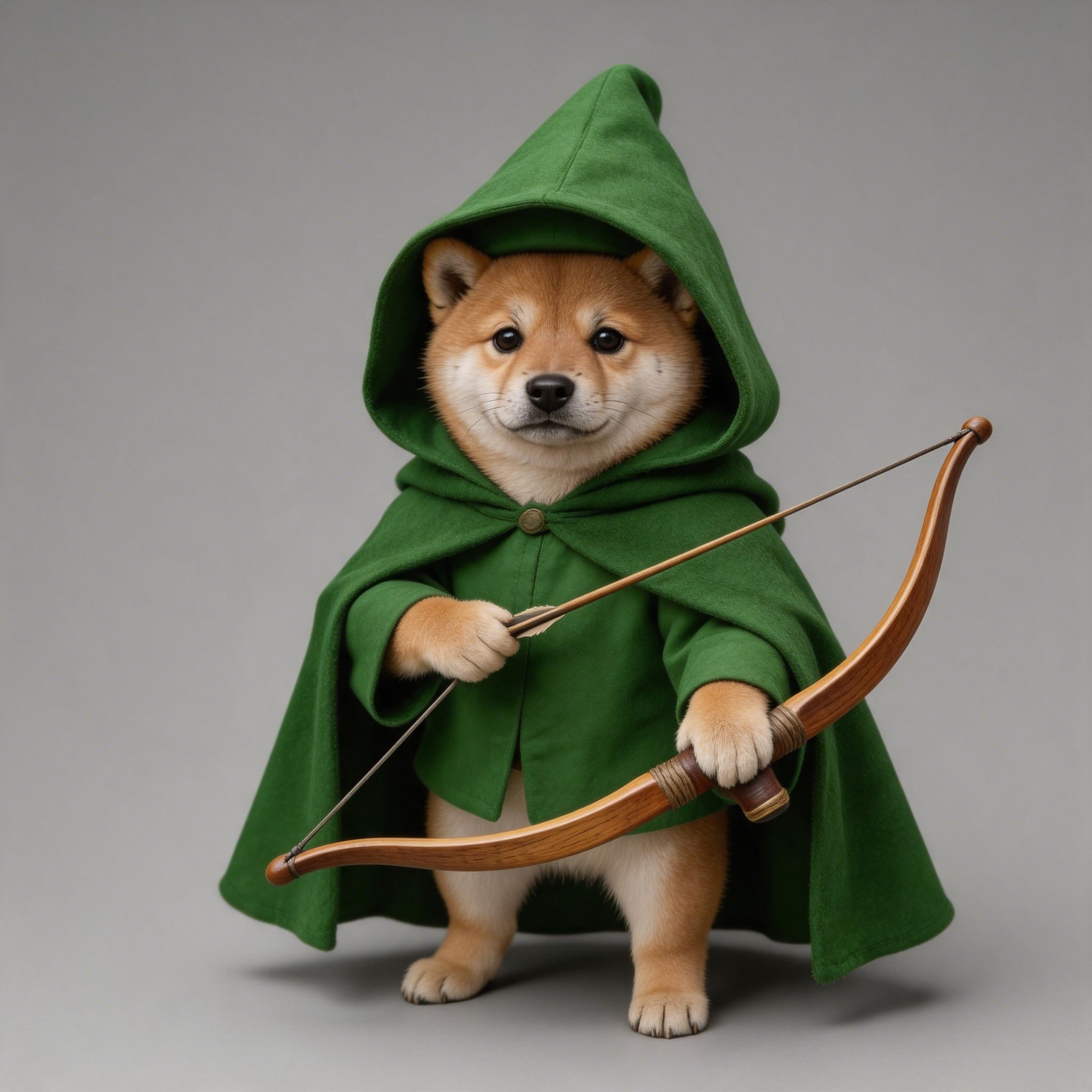
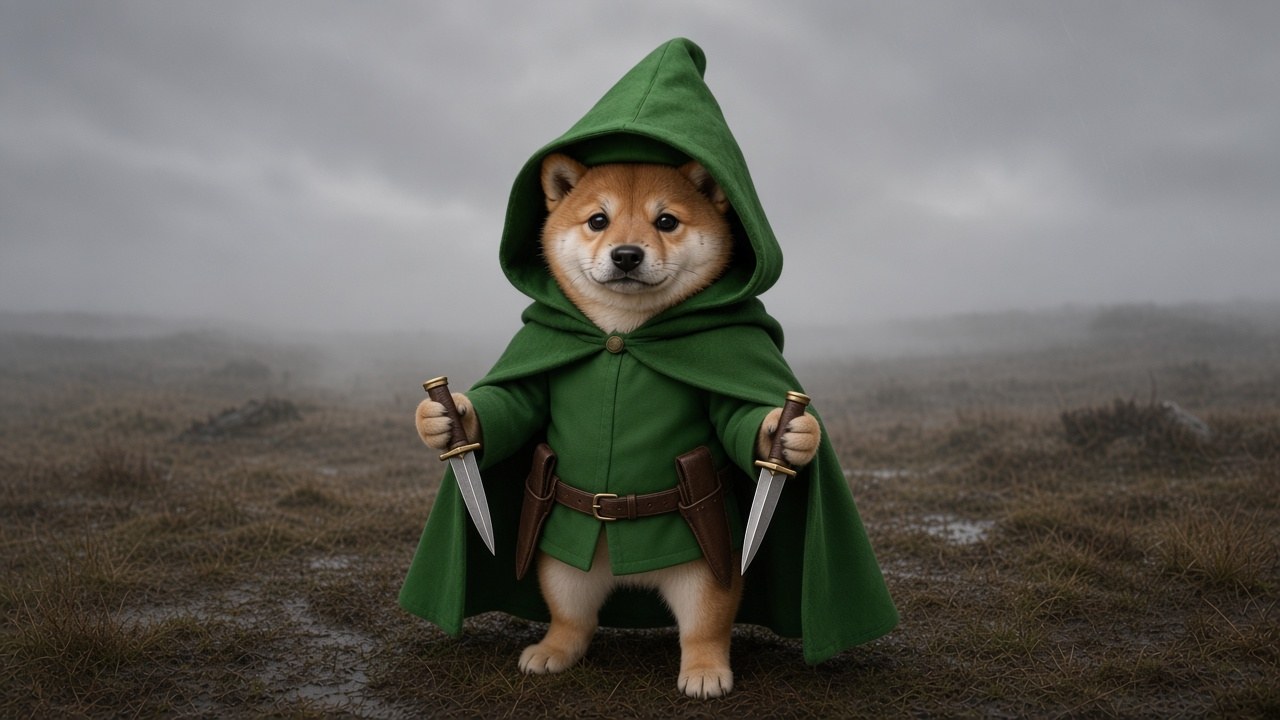
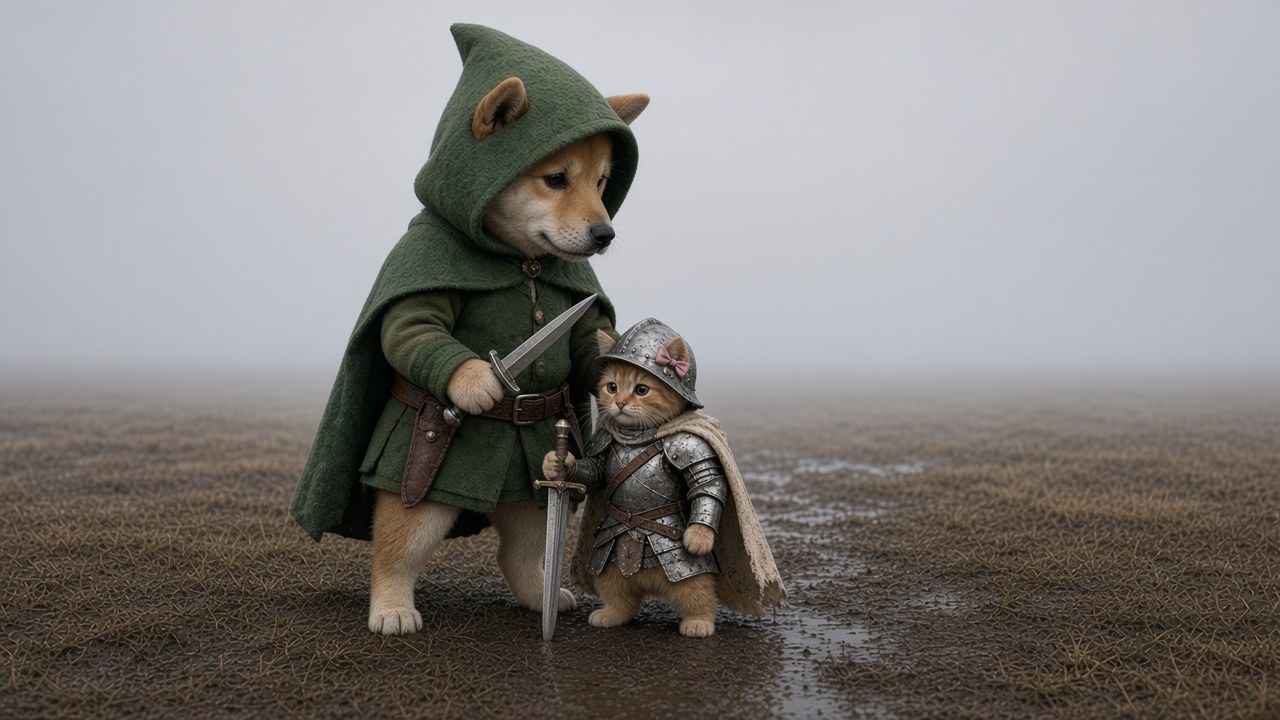
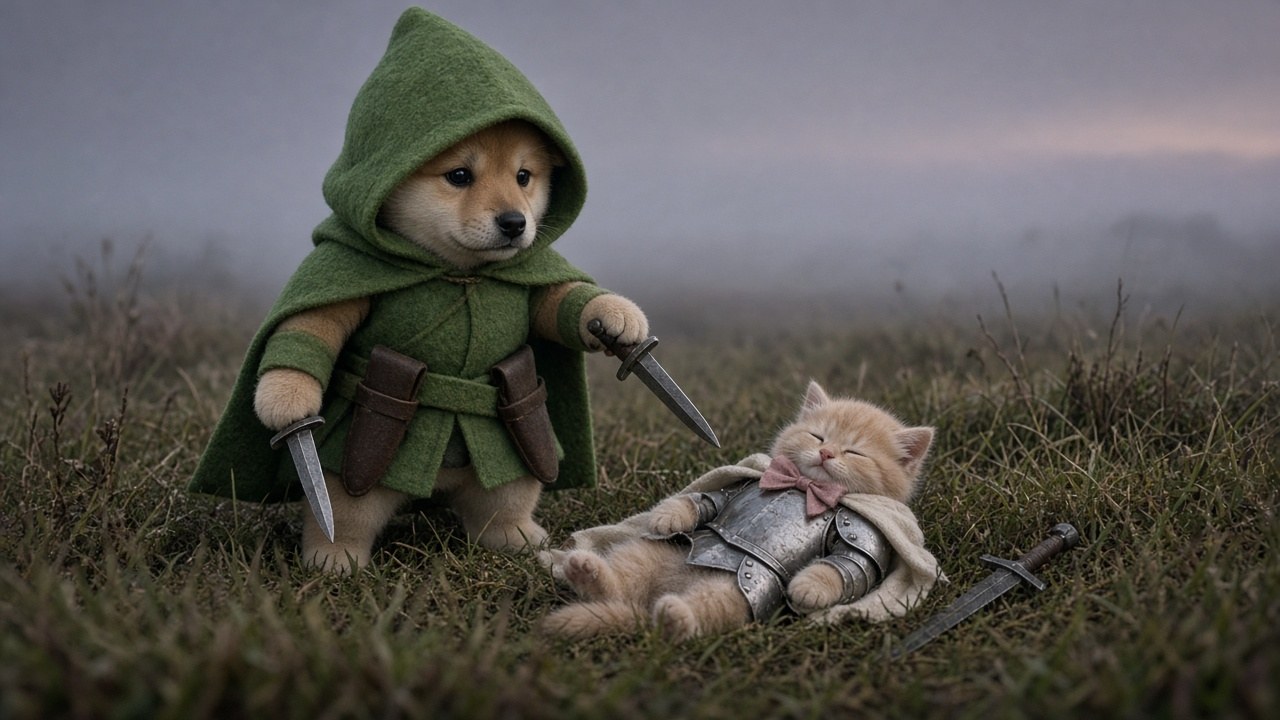
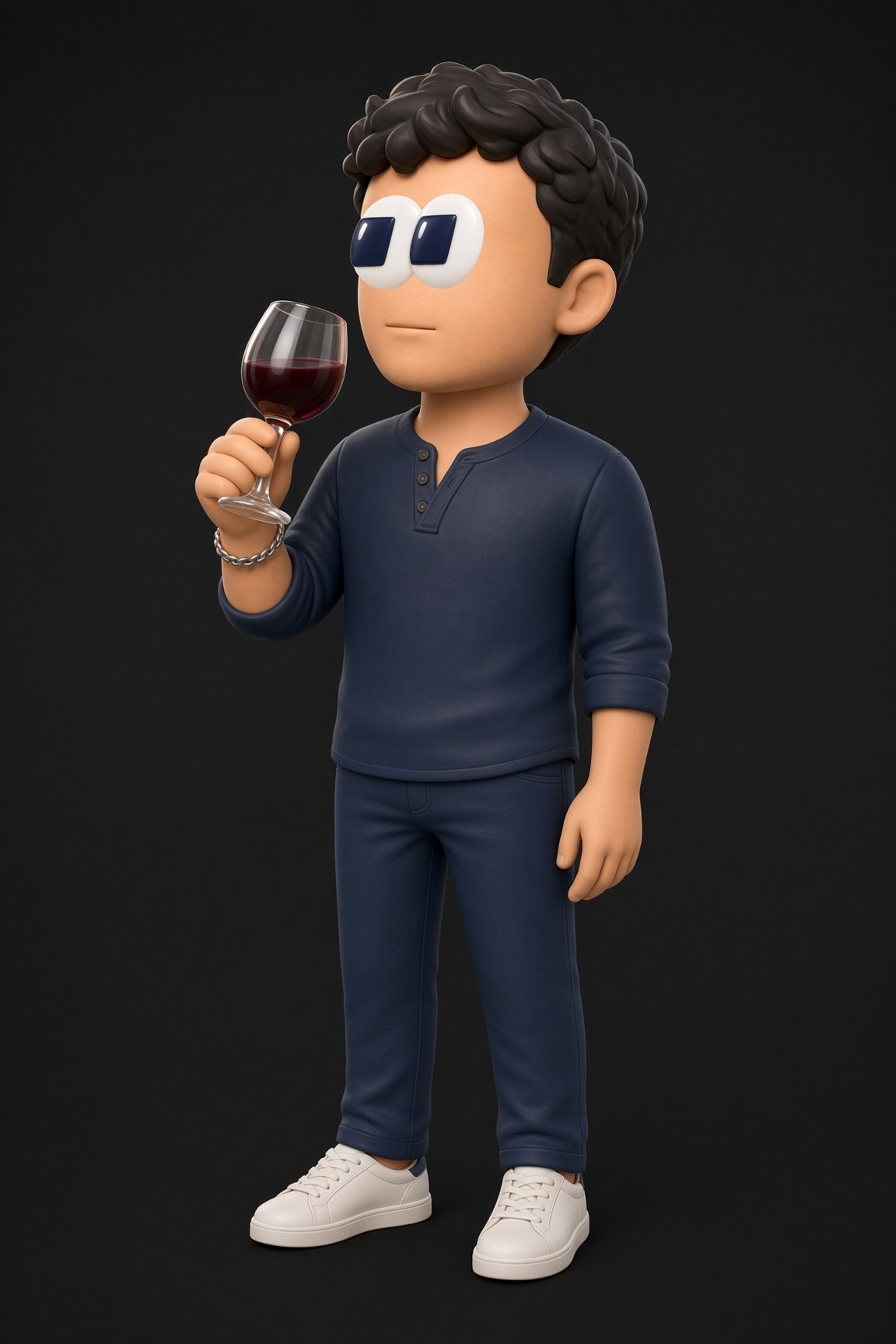
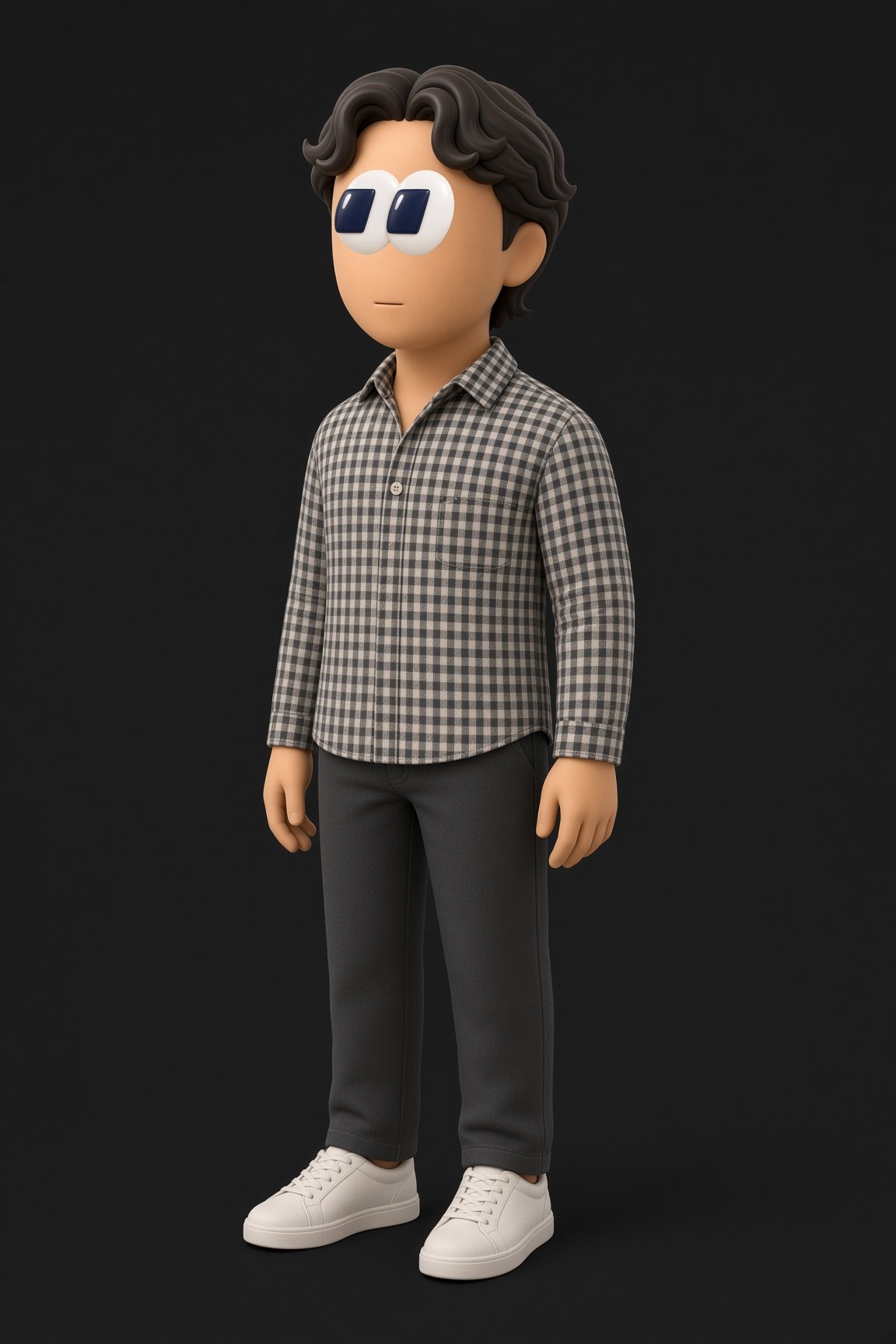
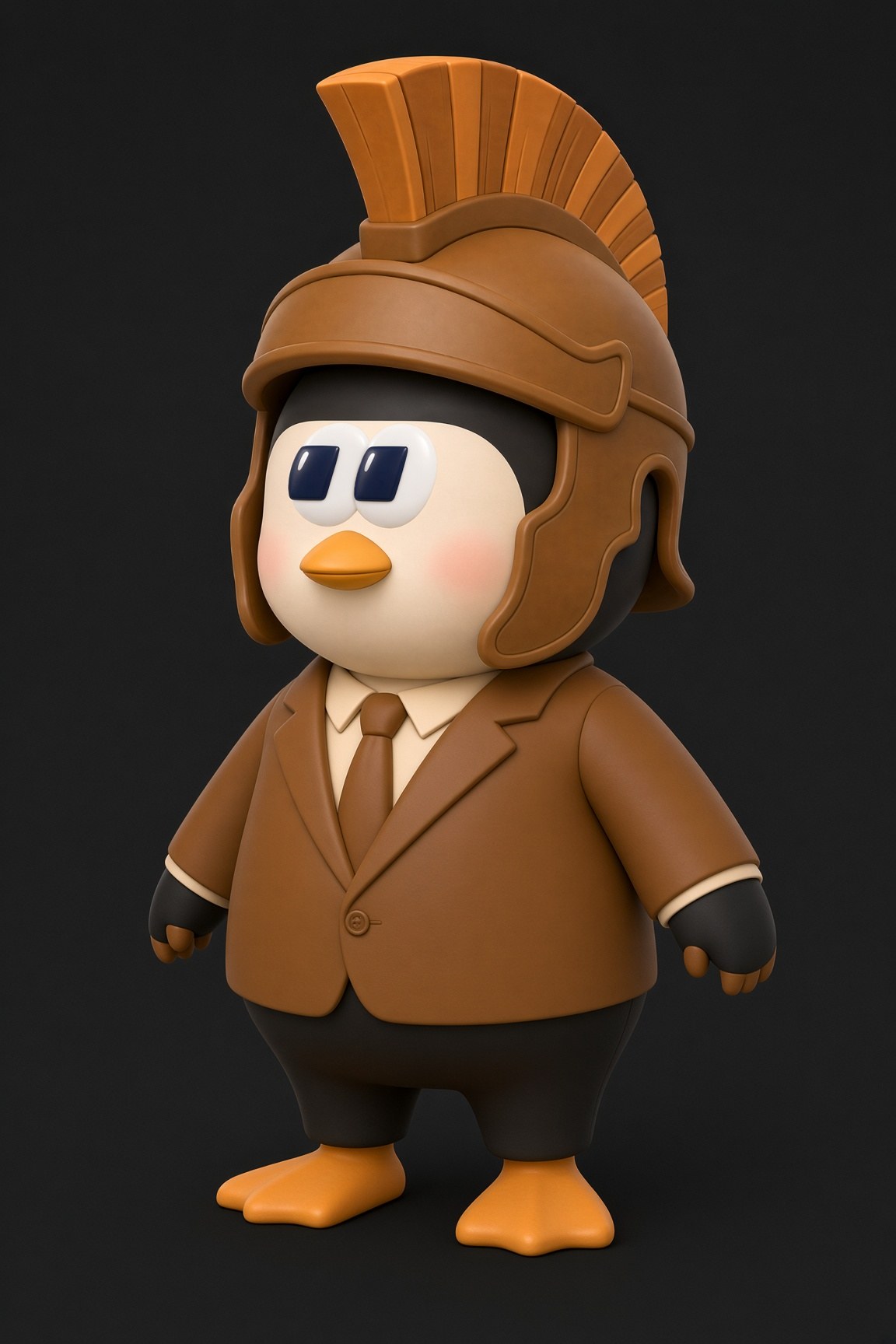
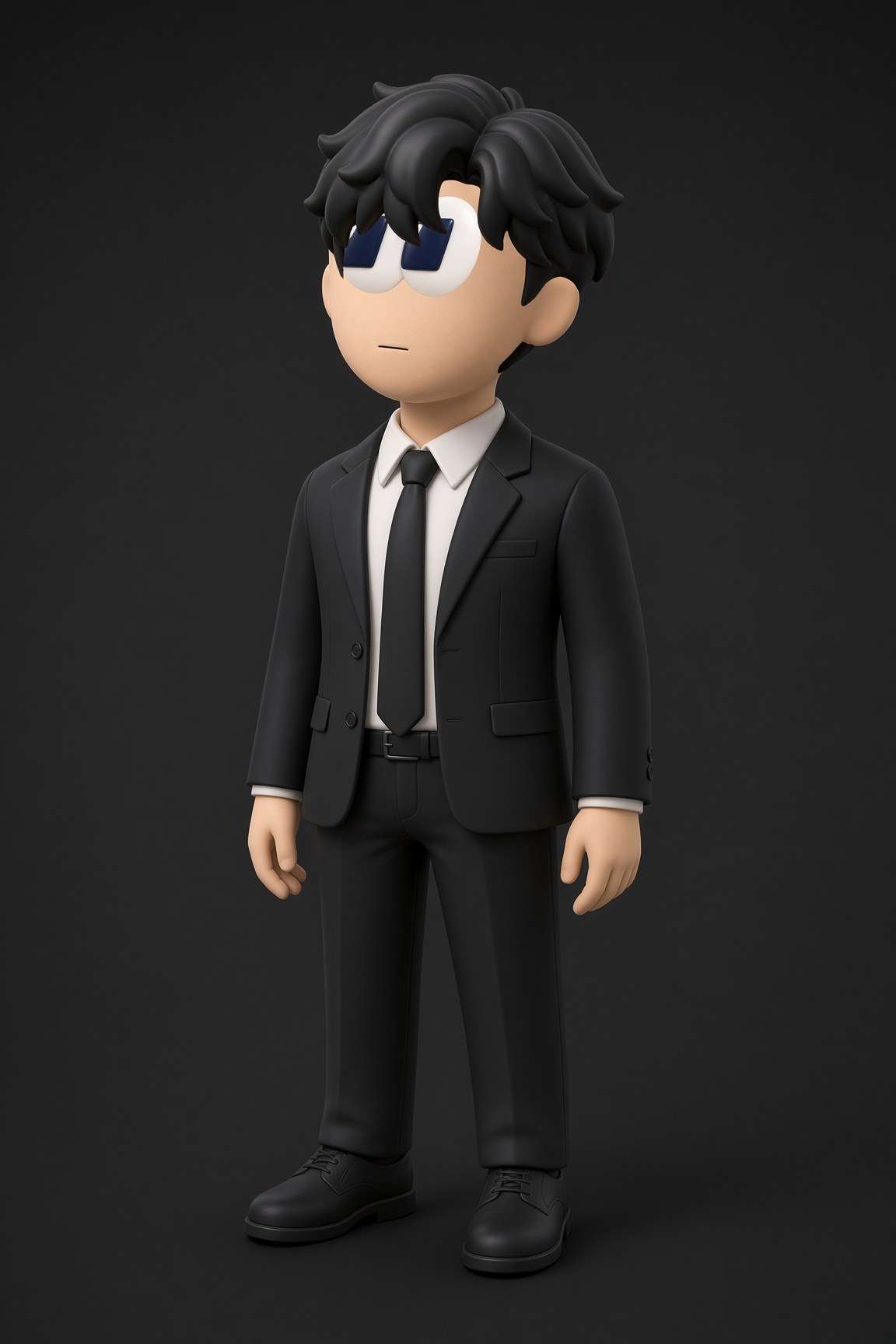
A father and his two-year-old son make short fantasy films with ByteDance Seedance. This is everything five of them taught us — every prompt that worked, every one that didn't, and what each failure cost.
5Films
~$45Of renders
8Copyright blocks
3:28Finished footage
Most prompt guides show you what to write. This one shows you what came back — including the renders that wasted money, because those taught us more than the ones that worked.
Who this is for
Anyone making narrative video with Seedance 2.0 or 2.5 and paying per second for it. Everything here was learned on real paid renders at 480p, not from documentation. Costs are from the billing logs.
◆
The one-line version
Describe what IS, never what must not be. Shoot close. Lock the camera. Give the environment a reference image. Test before you spend.
The films
Canyon Stand
Oct 2026 · 41.8s · Seedance 2.5 · ~$19 · no copyright blocks
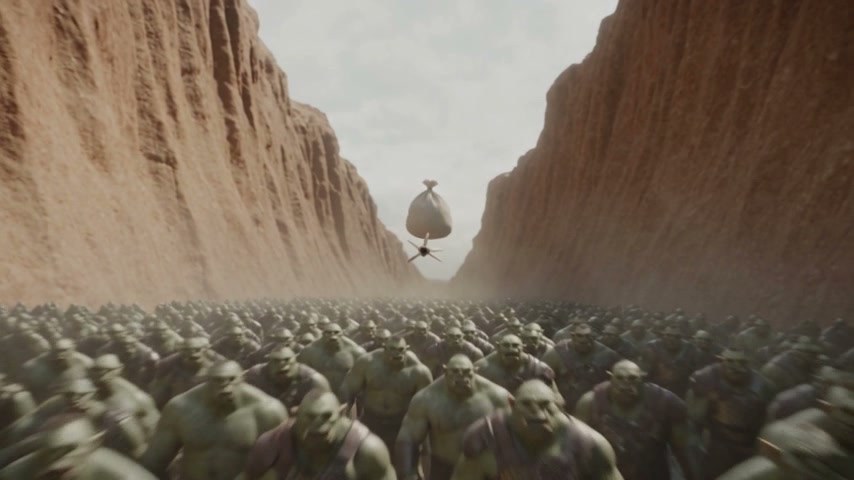
Cornered in a canyon. The boy lays down covering fire, the father blinds the horde with a sandbag shot out of the air, they climb out on arrows driven into the rock, and the boy brings lightning down on what's left.
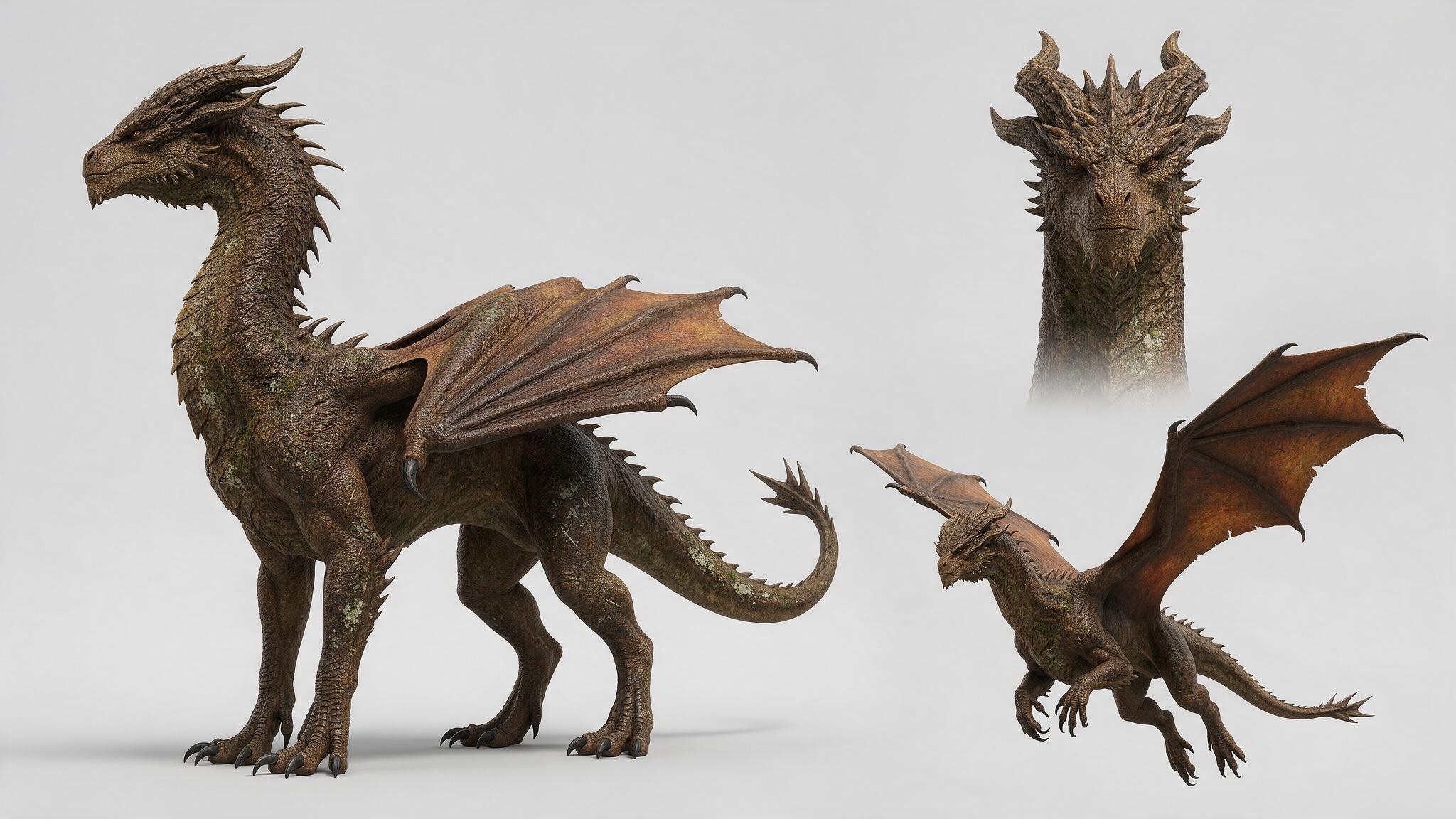
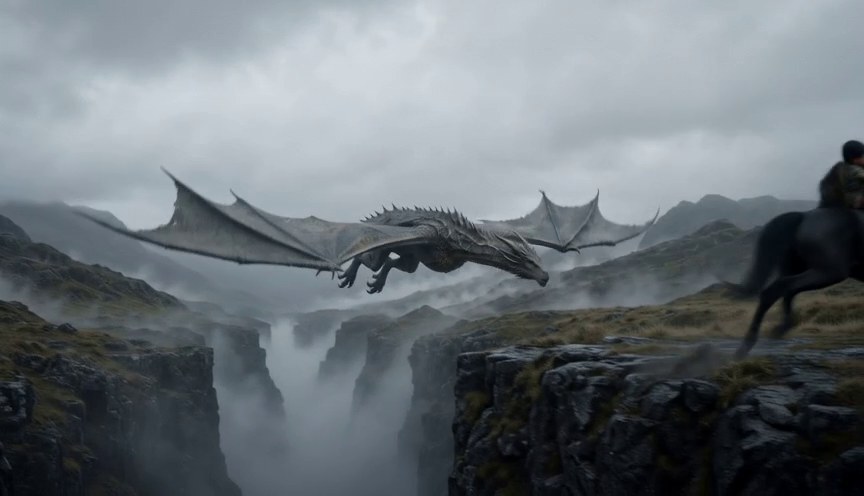
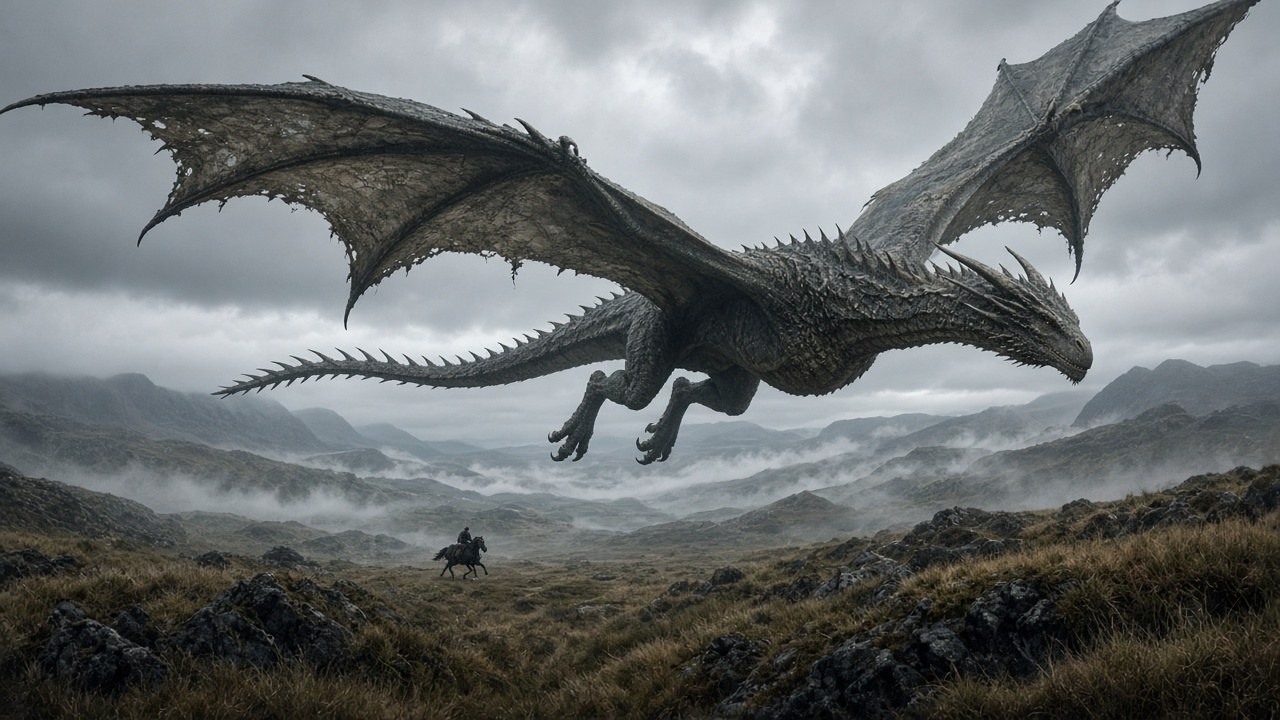
A dragon takes the mother. Father and son chase it on horseback, freeze it with an ice arrow, and catch her as she falls. The film that produced most of the rules in this playbook.
Ranger Bridge
40.6s · 2.5 · 1 block
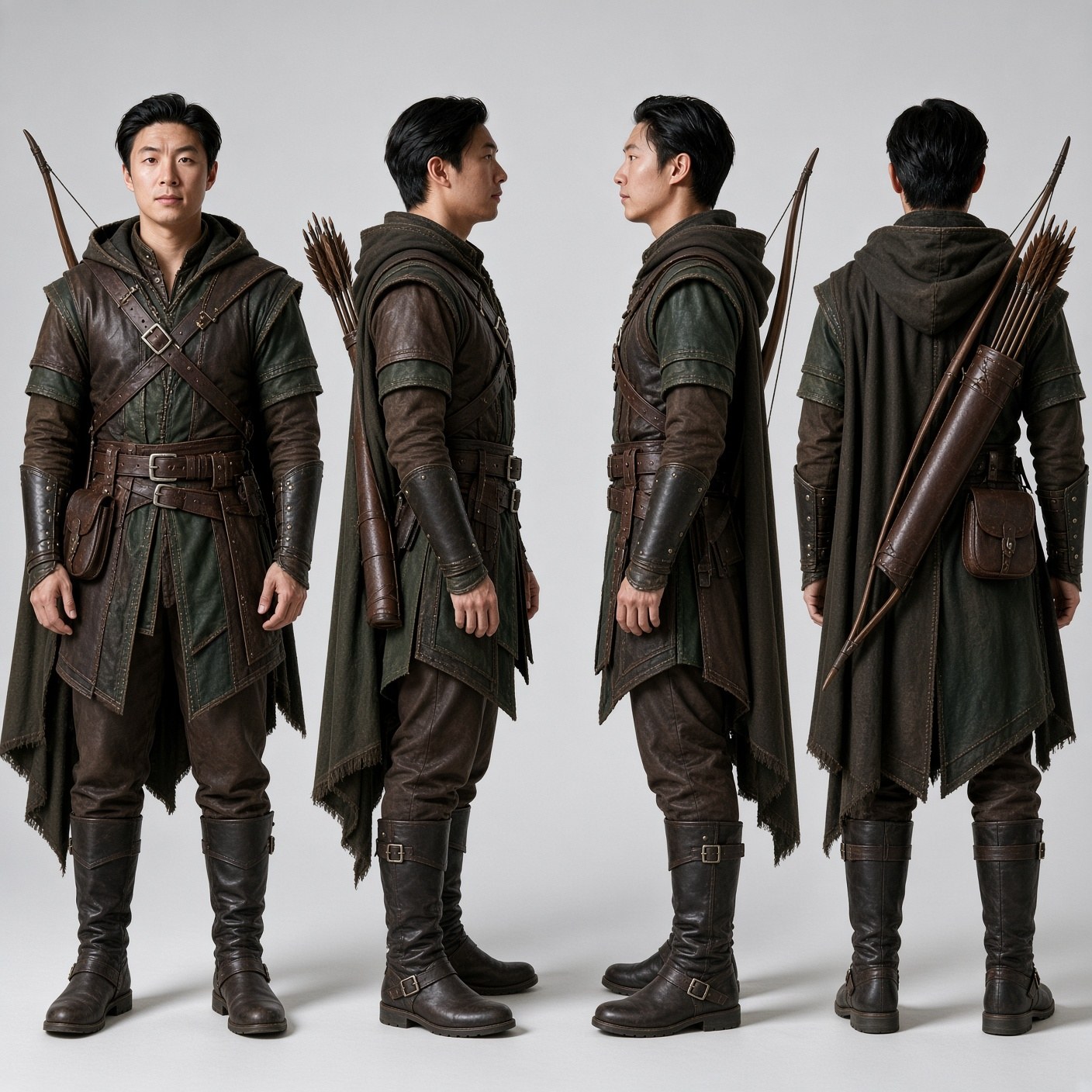
Holding a bridge against orcs. First film to use real face photos instead of AI character sheets — the change that fixed likeness.
Dragon Battle
30.5s · 2.0 · $6.35
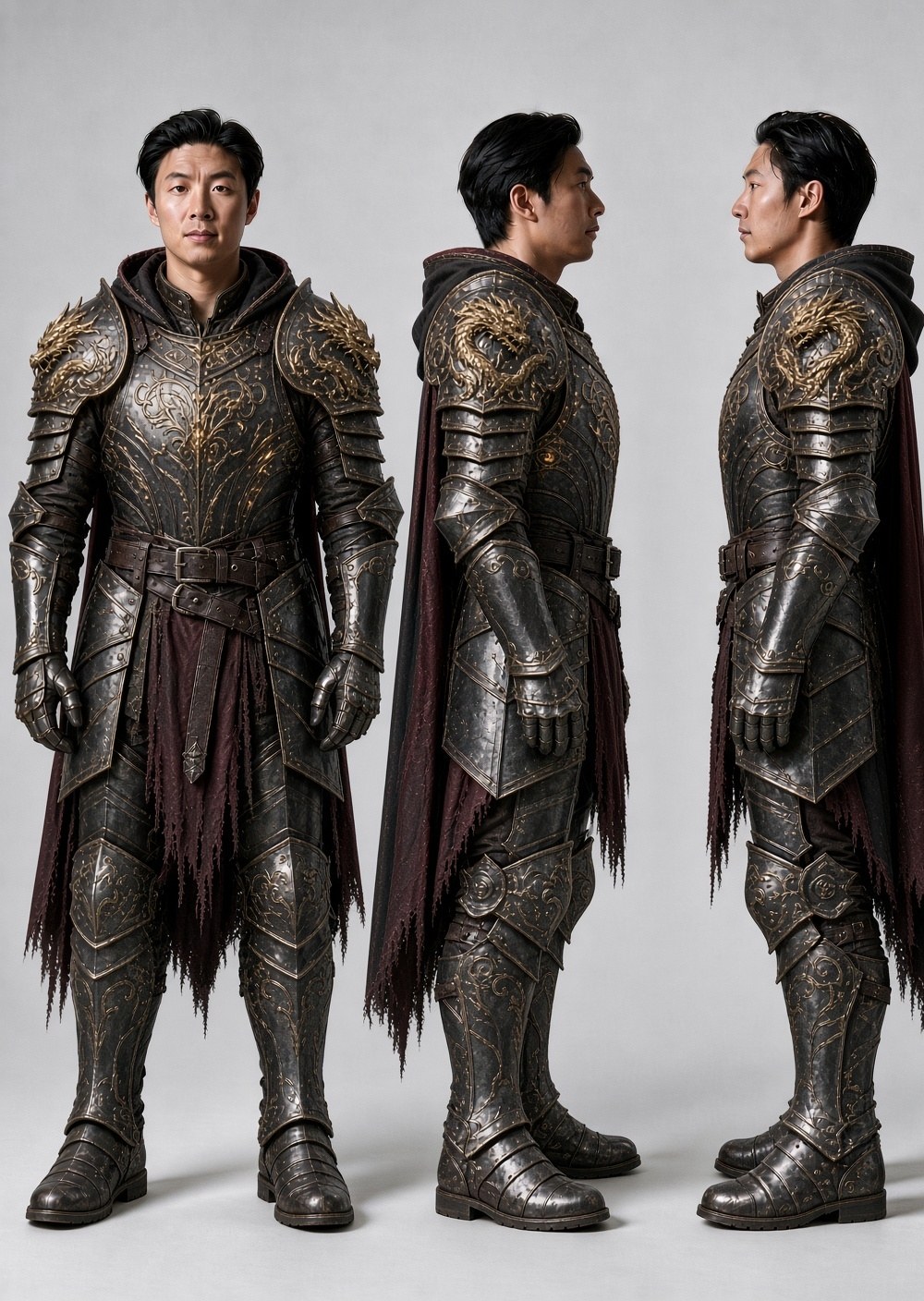
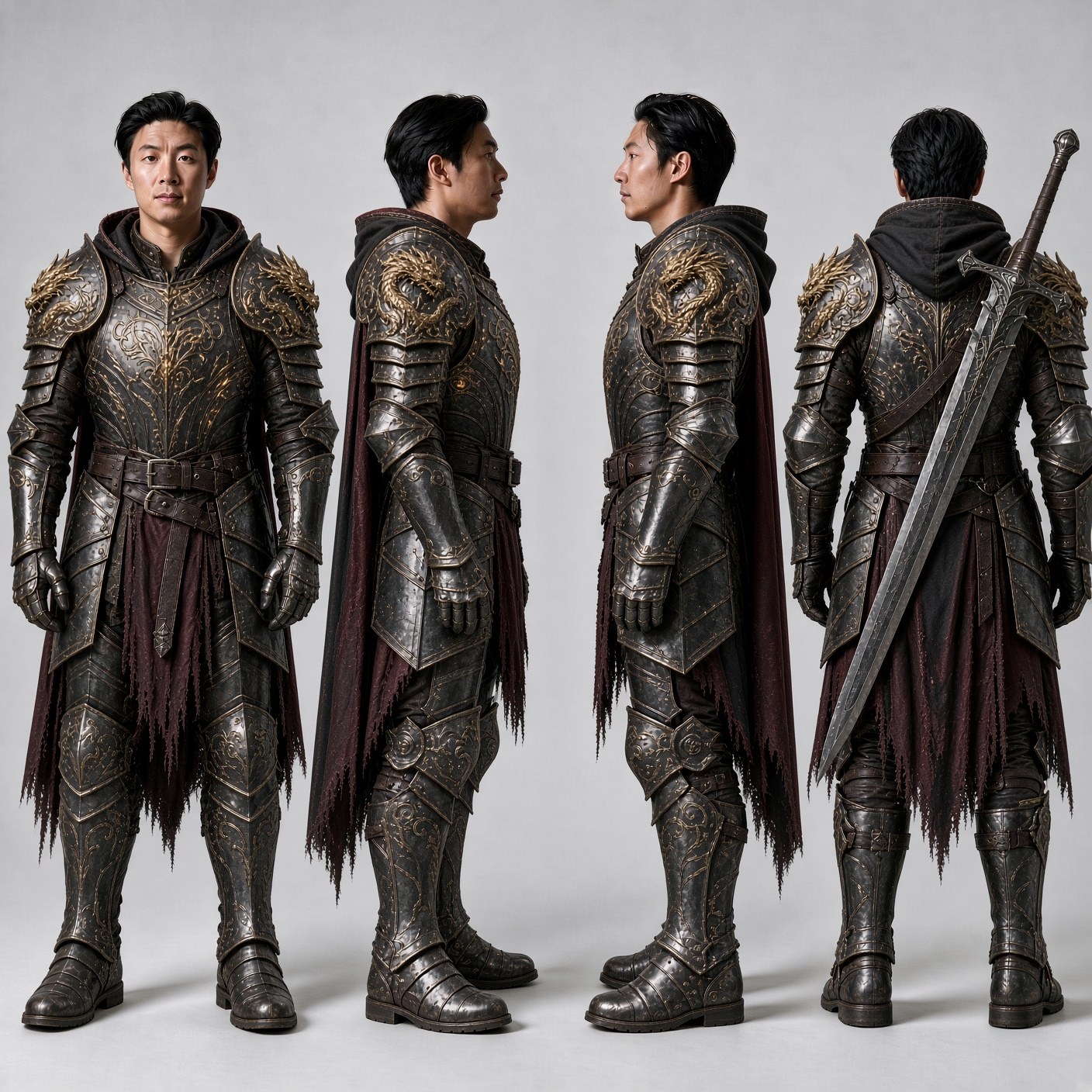
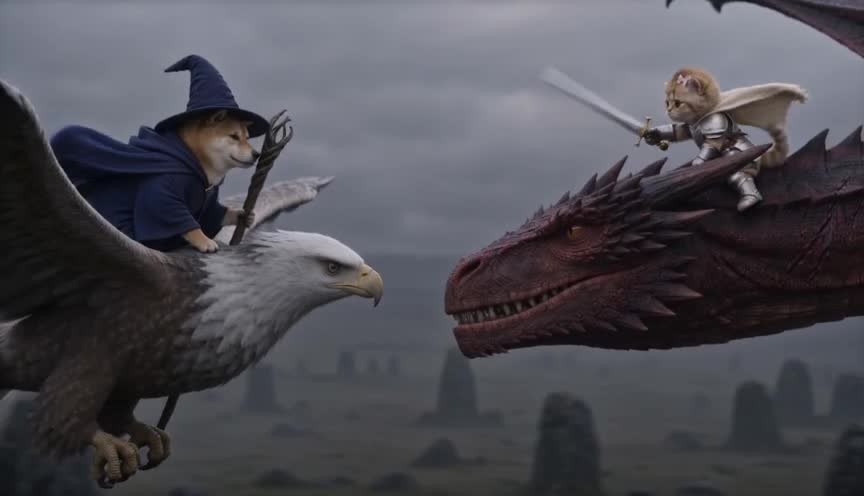
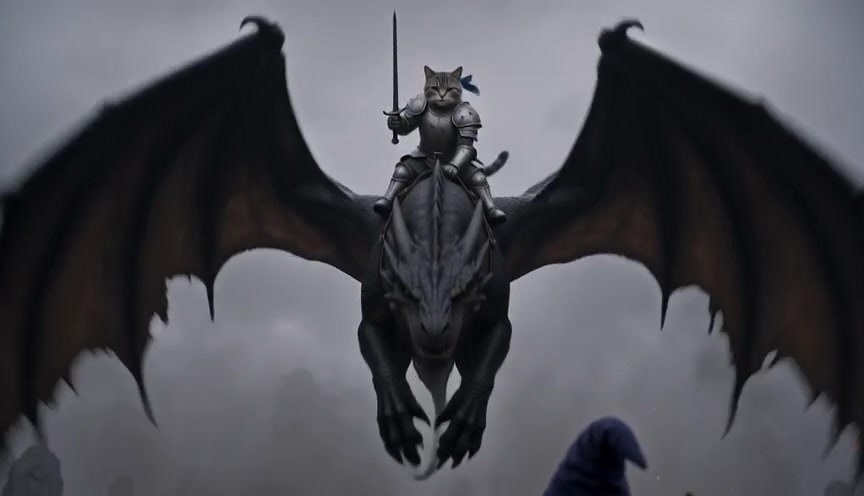
Knight and prince against a dragon. Where we learned that a weapon on a character sheet's back view gives you two weapons in every shot.
How to read this
Chapters 1–3 are the rules that cost the most to learn. Start there.
Chapter 4 is the prompt structure we use now.
Chapters 5–6 cover the copyright filter and getting clean dialogue.
Chapters 7–8 are the receipts: what each film cost, and the failures side by side with their fixes.
Chapter 10 shows the reference images, their jobs, and the mistakes they caused.
▲
Caveat
This is one team's experience on one provider at 480p, Oct 2026. Model behaviour changes. Where something is unverified, it says so.
Chapter 01
Trap Words
Naming a thing puts it on screen — even when you name it in order to forbid it.
This is the most expensive single lesson in the playbook. Seedance reads everything as positive text. There is no negative prompt field. A word in your AVOID list is still a word you handed the model.
Four cases, each one a paid render
What we wrote
What rendered
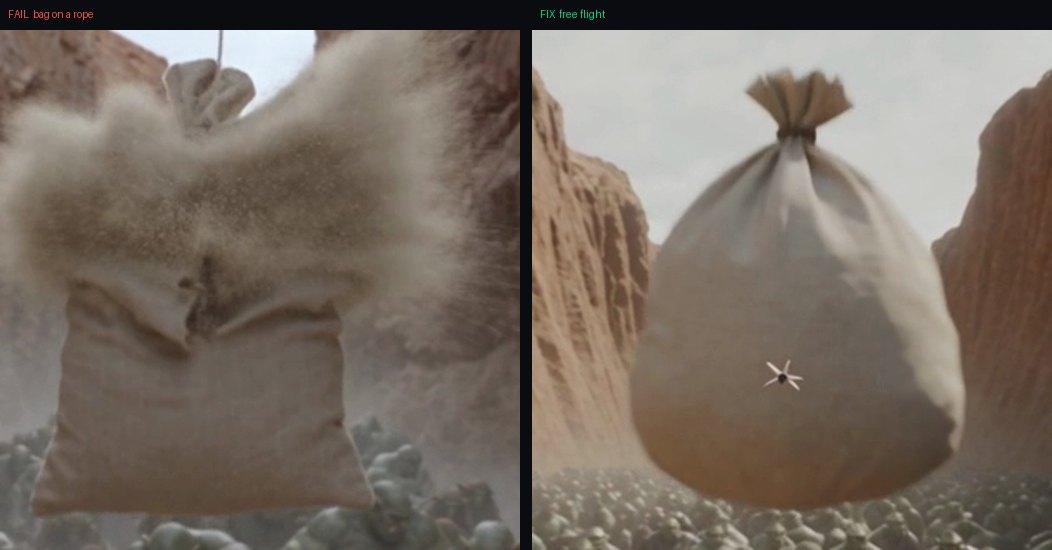
"the bag hangs in the air"
A rope ran from the bag to the top of frame — twice, in two different prompts
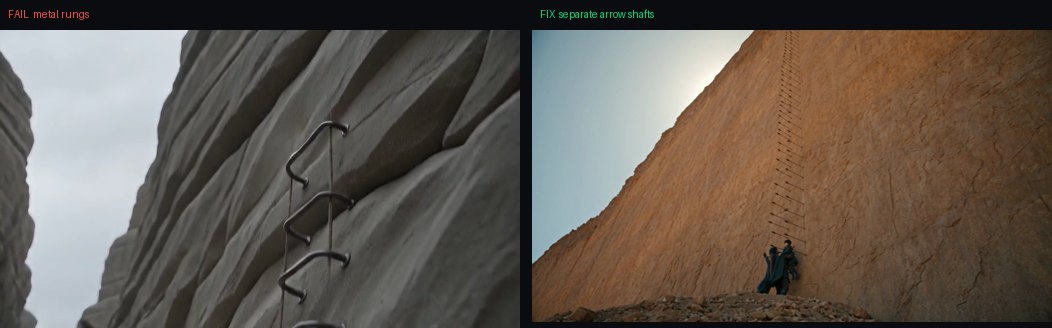
"a ladder of iron bolts"
Literal metal rungs with side rails
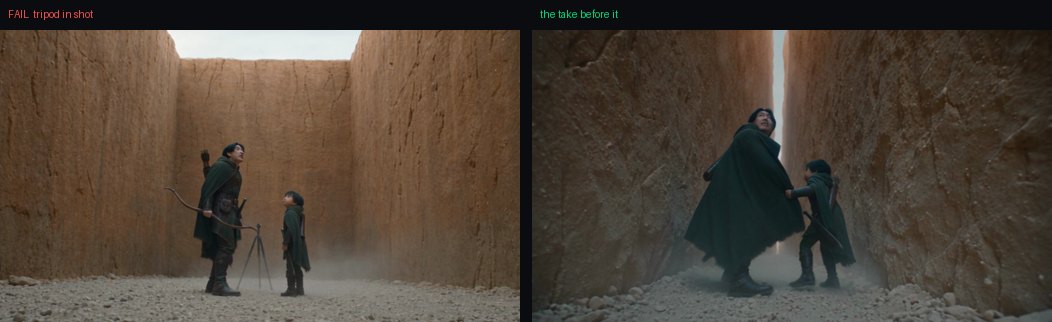
"locked-off camera on a tripod"
A camera tripod standing in the scene between the actors
"as big as a passenger jet"
Airliners in the sky
"talon"
Eagle feet on a dragon
Left: "the bag hangs in the air" — note the cord running up out of frame. Right: the same shot after the word was removed.
The fix: describe the physical state
Delete the offending word entirely and say what the thing is doing instead.
✗ Produced a rope
The sandbag hangs in the air above them.
✓ Produced free flight
The sandbag is A THROWN OBJECT IN FREE FLIGHT. Nothing whatsoever is attached to it: no rope, no cord, no string, no wire, no strap, no line, and nothing runs from it to any edge of the frame. It flies on the arc his throw gave it, tumbling end over end.
◆
Note the shape of the fix
The good version still lists the forbidden things — but only AFTER establishing positively what the object is doing. The positive statement is what does the work.
The same trick fixes the inverse
Banning "an arrowhead visible" three times did nothing. Stating which end was outside the rock fixed it in one take.
✗ Failed 3 times
AVOID: An arrowhead, point, tip or metal head visible anywhere.
✓ Worked first try
Each arrow went into the rock HEAD FIRST and is buried up to its feathers. The only part outside the stone is the feathered tail, with a short length of bare wooden shaft between the feathers and the rock face. The head is inside the rock where it cannot be seen.
Left: asking for "a ladder of bolts" produced rungs and side rails. Right: "each arrow is separate, nothing joins one to the next."
●
Rule
When a detail renders wrong, say what the correct version looks like. Do not add another prohibition.
Chapter 02
Framing & Camera
Close shots work. Wides drift. Locking the camera fixes more than you'd expect.
Across the most recent film, every shot that landed on the first or second try was close. Every wide drifted — and in a different direction each time.
The pattern
Close shots — worked
Wide shots — drifted
A face at full draw
Sky leaking into frame
Hands gripping a shaft, grit falling
Sand dunes instead of cliffs
Camera flying beside an arrow
Boulder piles
A hand coming over a clifftop
Open desert with distant mesas
Boots slamming on vertical rock
A smooth featureless curtain
A bag bursting in slow motion
A man-made brick pit
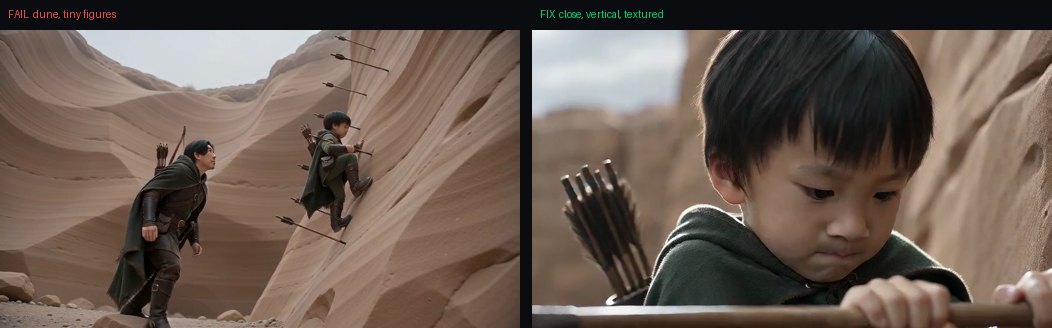
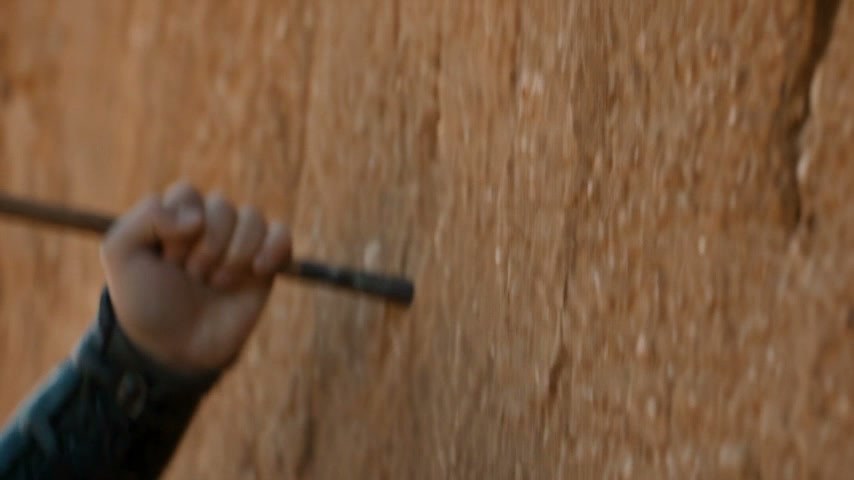
The same climbing beat, same tier, same cost. Left: wide — a dune with two tiny figures and no texture. Right: close — vertical rock, grain, contact, weight.
FAILED — the wide version. Reads as scrambling up a sand hill.FIXED — close on hands and shafts. Same prompt content.
▲
Budget accordingly
One shot was abandoned after six attempts and about $3.70 — every one a wide. Its close-framed neighbours landed first or second try. If a wide exists only to establish geography, replace it with a close insert.
Lock the camera when the environment matters
A moving camera is licence for the model to re-invent whatever it reveals.
Three upward camera moves revealed sky despite explicit bans. A locked frame did not.
In one shot the canyon walls physically re-shaped between frames — different contours at 0.5s, 2.0s and 3.5s. Locking the camera stopped it dead.
●
But describe the lock by its effect
Writing "locked-off camera on a tripod" put a tripod in the shot. Say: "the frame is completely static and does not move, pan, tilt, track or drift at any point."
Left: a camera tripod standing in the canyon, summoned by the word "tripod" in the LOOK block. The walls stopped morphing, though — the lock worked.
Ask FOR cuts, not against them
"Without cutting" is ignored — Seedance inserts cuts anyway. The reverse is reliable: an explicit CUT TO on a timestamped beat lands within about 0.3 seconds of where you write it.
0-1.5s | Camera at ground level, the father in profile facing LEFT...
1.5-3.5s | CUT TO a low wide angle looking down the canyon...
3.5-5s | CUT BACK to the father, closer now, in profile...
5-10s | THE CAMERA FLIES WITH THE ARROW, travelling alongside its shaft...
Asked for cuts at 1.5 / 3.5 / 5.0. Got them at 1.75 / 3.88 / 5.25. Use this to get several framings inside one render for one shot's price — and those cut points become free splice points if you need to fix part of the shot later.
Some actions the model will not perform
◆
A small child at full draw holds the draw
Six renders across three framings. The arrows were counted ("six arrows in three seconds"), the overlap was spelled out ("the next arrow is already out of the quiver before the last one lands"), and AVOID banned pausing and slow shooting. Every single one produced a sustained aim and no release. Treat it as unavailable: cut around it, keep the shot short, or give the fast shooting to an adult.
Chapter 03
Environments
The single biggest source of wasted money.
On the most recent film, environment drift caused more re-renders than every other fault combined.
The same written location, seven ways
One canyon, described identically in every prompt, rendered as:
a slot canyonopen desert with mesasa sand dunea pile of bouldersa smooth featureless curtaina man-made brick pita low flat barrier wall
●
The characters never drifted
Because they had reference images. The location only ever had adjectives.
Build environment sheets before shot one
Exactly like character sheets. One per location, plus one per feature the story touches — the wall they climb, the floor they fight on, the rim they reach. Same ~$0.04 image call. Against $0.67–$1.34 per re-render, it is the cheapest insurance available.
Then pass the environment ref in every shot of that location, the way a face sheet is passed in every shot a character appears in, with the same wording:
@Image1 defines the EXACT rock face. Match it precisely: the same warm
orange-tan sandstone, the same coarse grain, pitting and hairline cracks,
the same raking side light. This is the same wall, higher up.
The caveat that cost a render
▲
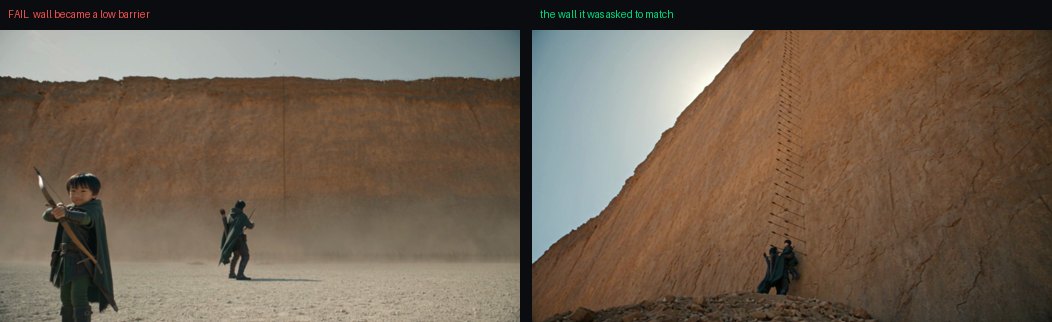
A frame from a previous render only works as a reference when the framings match
Close climbing shot → close climbing shot: matched the rock exactly. That same frame passed into a wide: failed completely — the model kept the wide composition and threw the wall away, replacing a towering face with a low barrier. Shoot a wide reference and a close reference for any location you will cover both ways.
Right: the wall the prompt was told to match, passed as a reference image. Left: what came back when the shot was framed wide.
Negative wording does not hold a location
"No sky", "no horizon", "no open desert", "no slope", "no boulders" were all in AVOID, strengthened repeatedly, and all appeared anyway. Three things actually worked:
Close the frame with geometry. Name walls on both sides and ahead, so there is no room in shot for a horizon to exist.
Lock the camera. See chapter 2.
Frame close. Every close shot held its environment.
Chapter 04
Prompt Anatomy
The block structure we use now, and why each block exists.
Around 350–550 words on Seedance 2.5. Every block earns its place because something broke without it.
The skeleton
Create a cinematic fantasy action sequence, photoreal live-action, shot on 35mm.
OBJECTIVE: one sentence. What this shot is for.
REFERENCES: @Image1 = ... @Image2 = ...
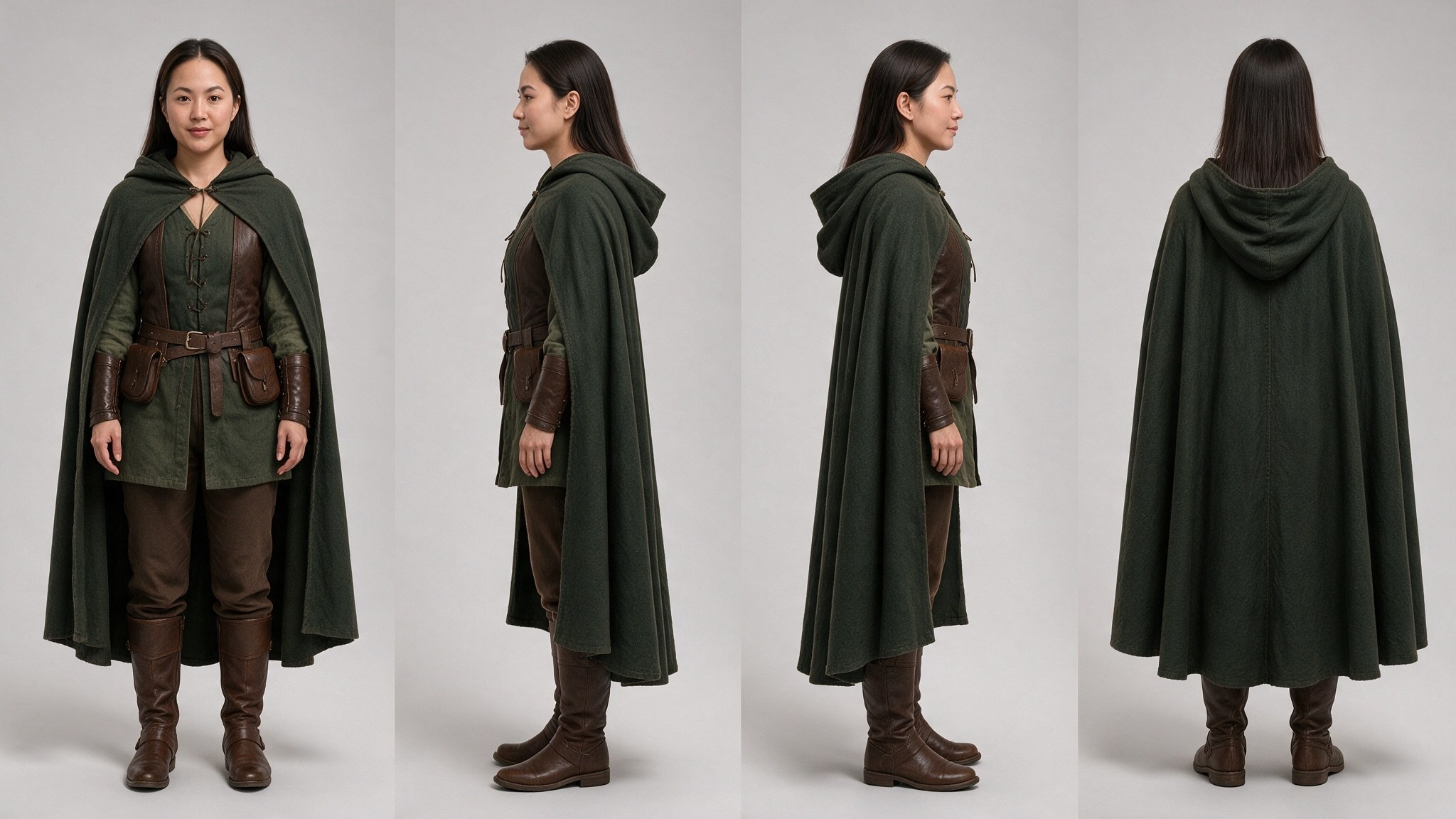
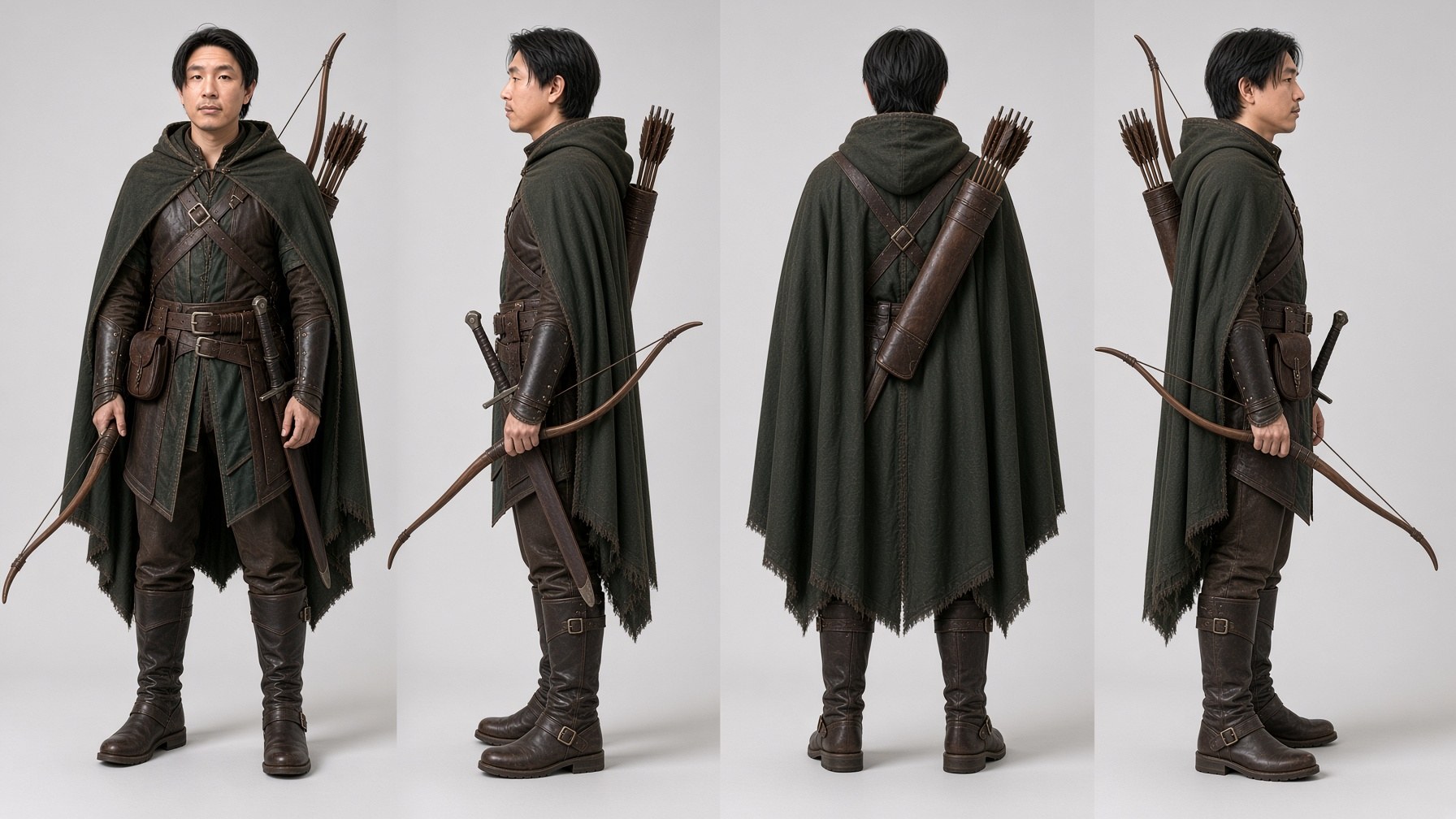
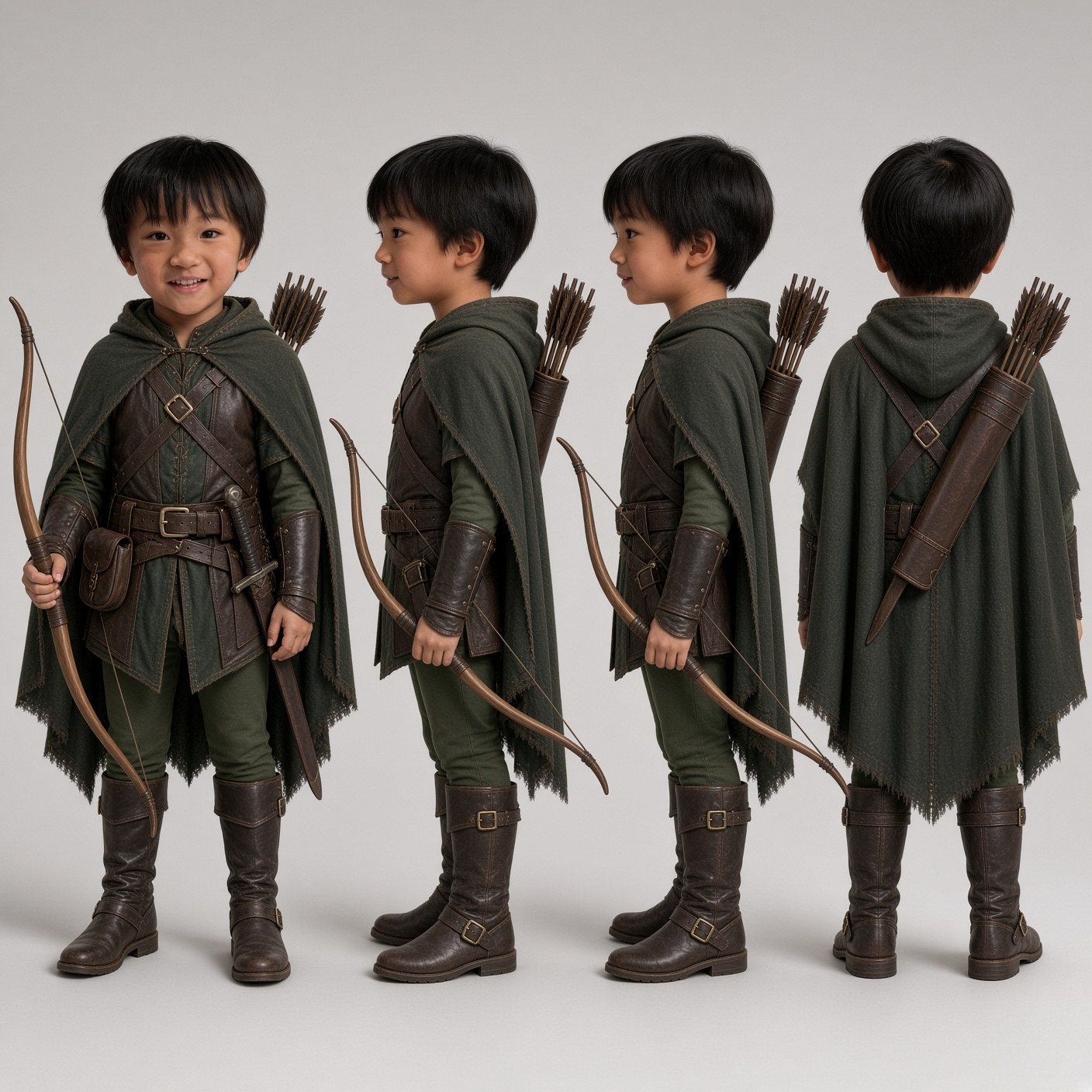
The real photos define the exact faces. The outfit sheets define
clothing only, never the faces, and never the expression.
CAST: one paragraph per character — face source, clothing, full
inventory ("apart from X and Y, he carries nothing"), relative height.
ENEMIES / CREATURE: named individuals, original design, described
identically in every prompt that contains them.
SETTING: copied VERBATIM into every shot of that location.
BEATS:
0-2s | Camera position. Who faces which way. ONE action.
2-4s | CUT TO ... ONE action.
4-7s | ... the payoff gets its own beat of 3s or more.
LOOK: grade, light, lens, camera movement (or explicitly none).
SOUND: <effect> <effect> ; {dialogue line}, exactly once. (No music)
AVOID: only failures you have actually seen in a previous take.
Why each block
Block
What broke without it
OBJECTIVE
Helps the model rank what matters when beats compete. One line is enough.
REFERENCES
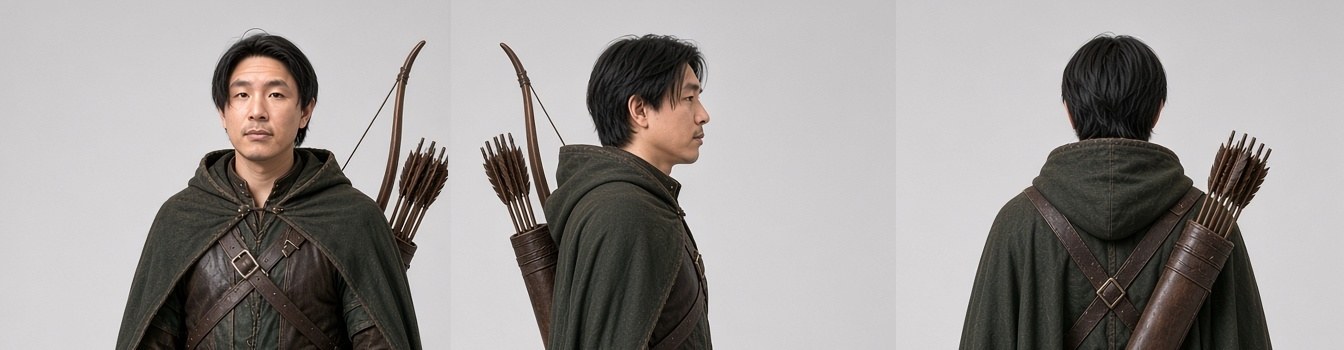
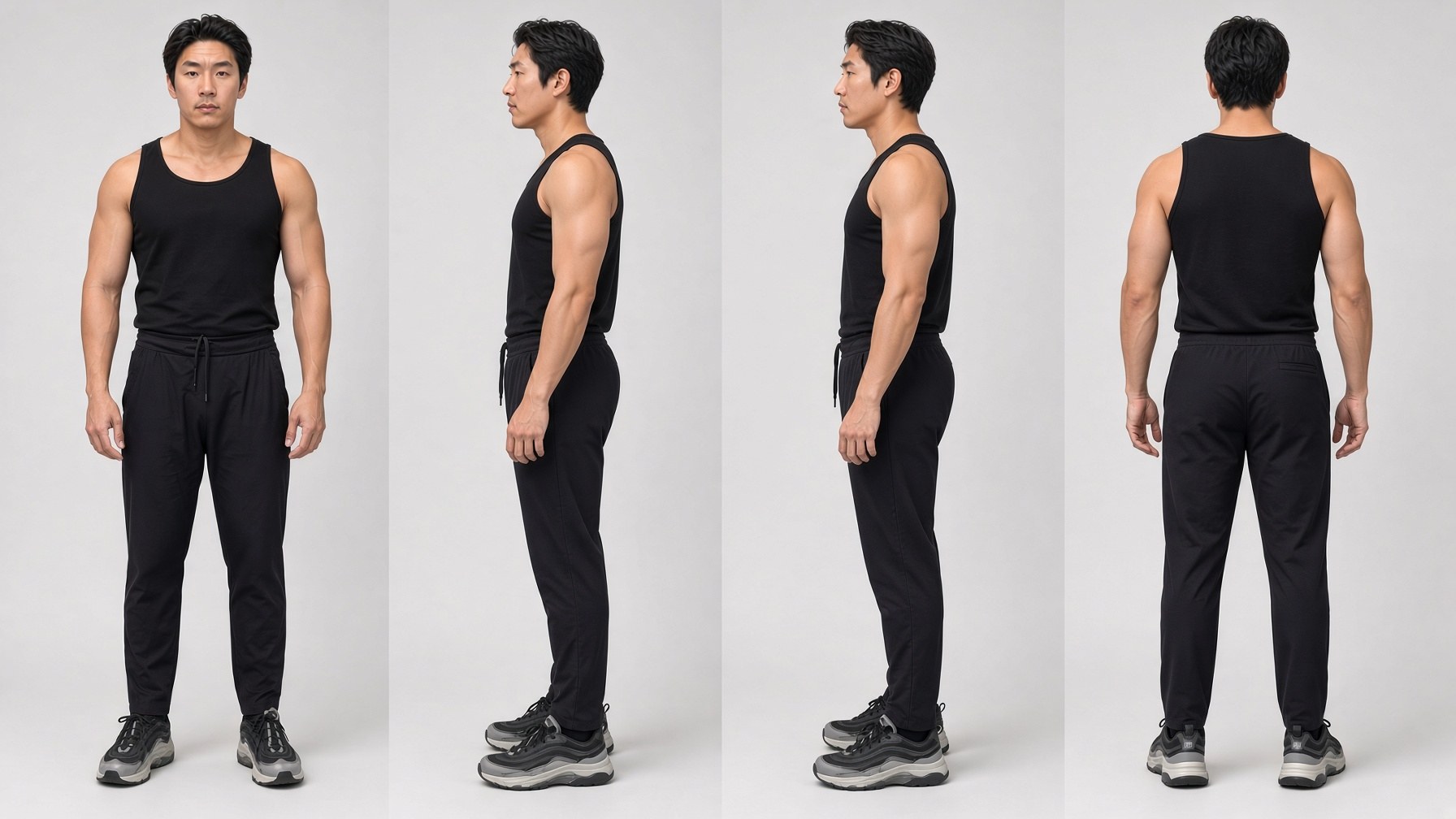
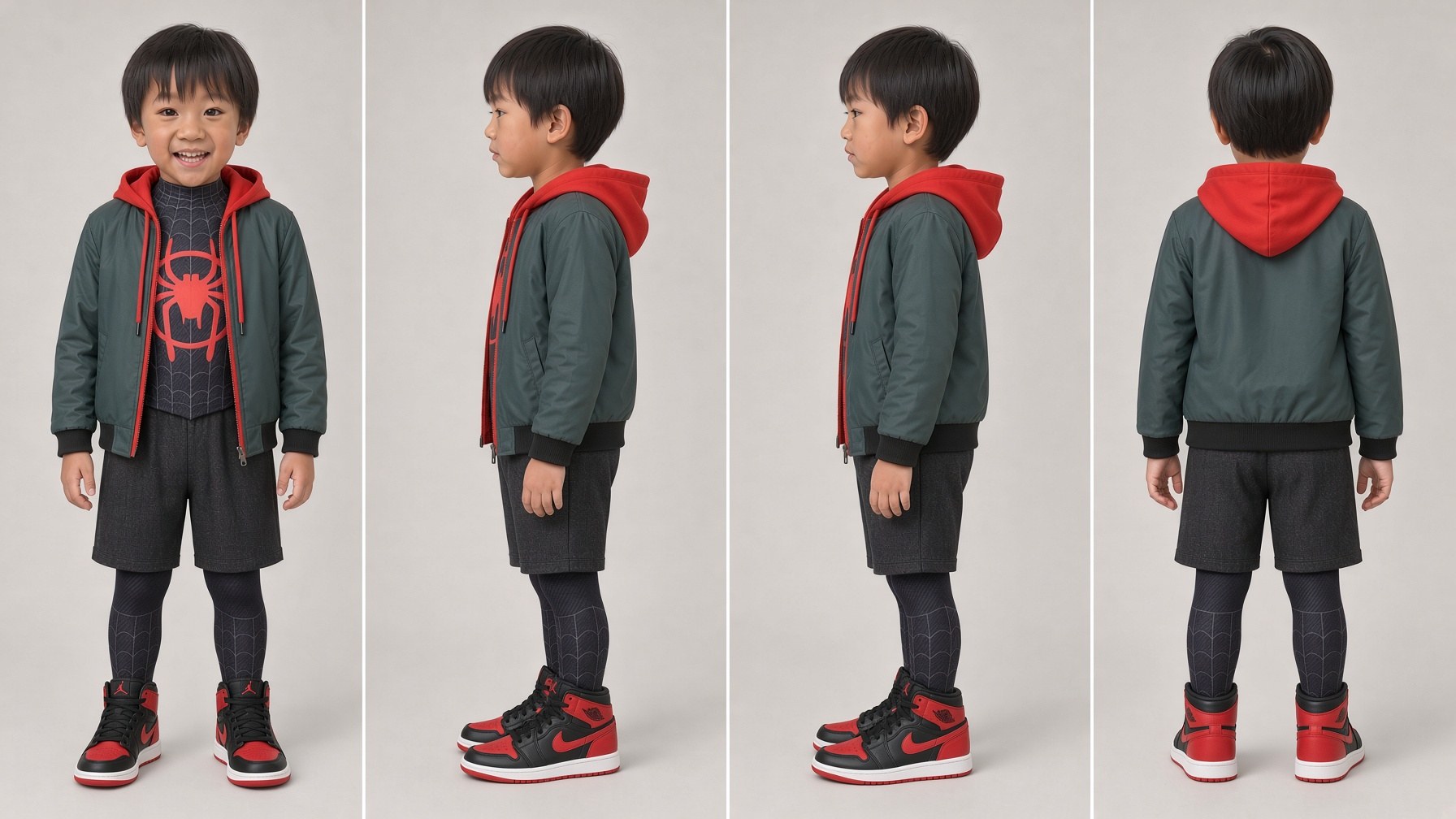
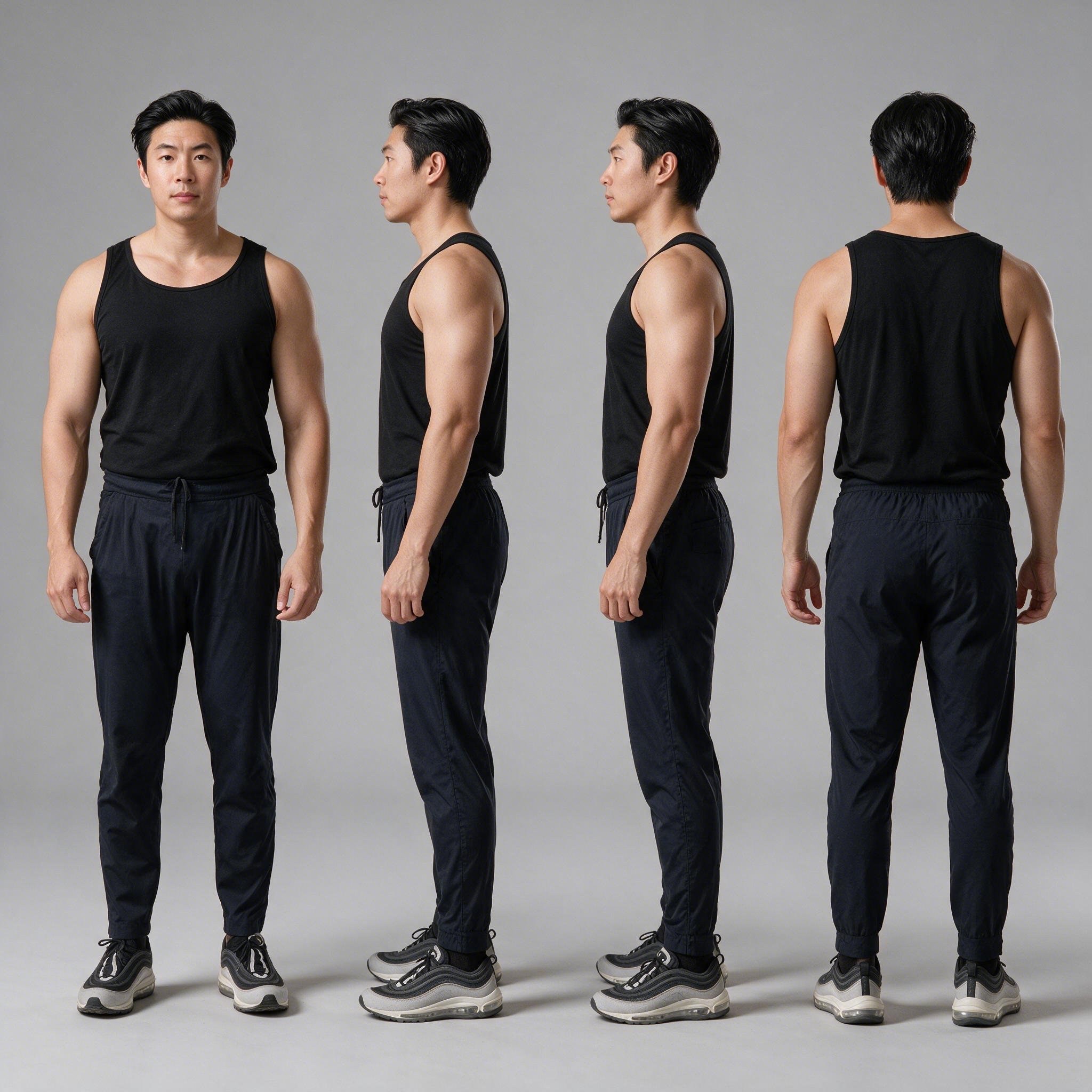
AI character-sheet face crops make the model invent a relative. Real photos fixed likeness; a 2-year-old stopped reading as 5–6.
Full inventory
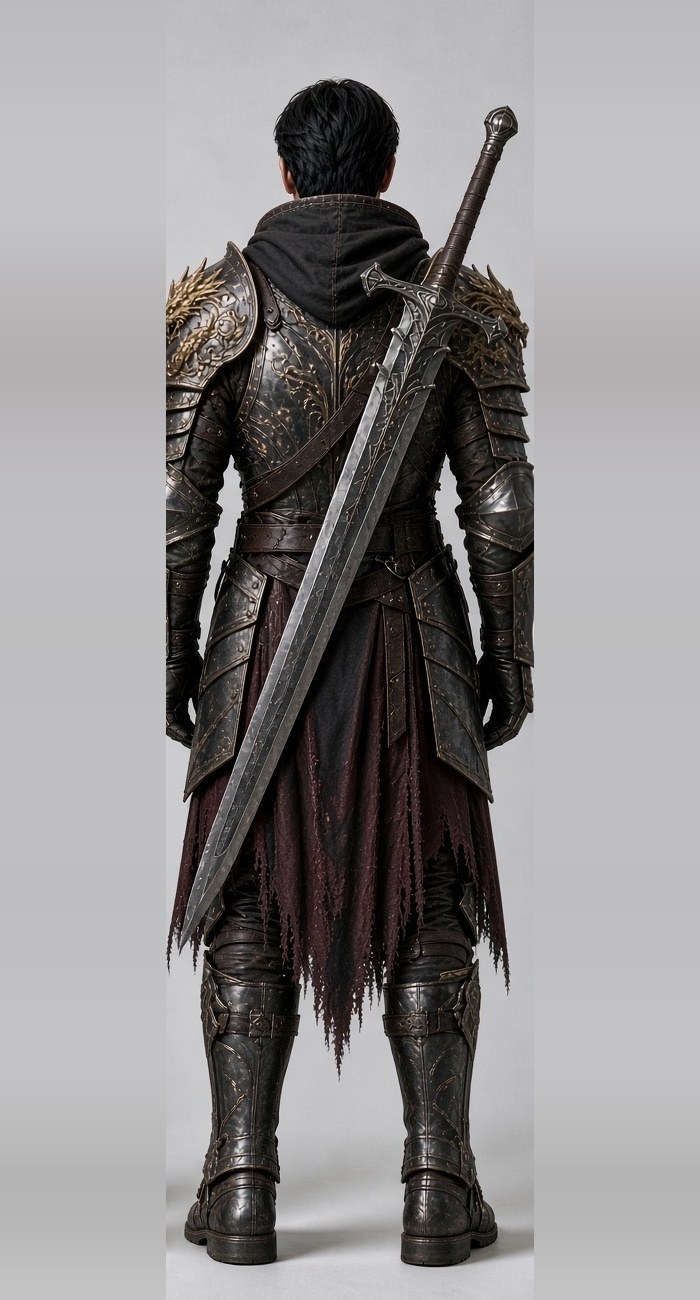
A weapon on a sheet's back view produced a second sword in nearly every shot. State what they carry and that they carry nothing else.
Relative height
Characters render at the wrong scale otherwise. Pin it to another character, never to an object or an age.
SETTING verbatim
See chapter 3. Copy-paste identical text into every shot of a location.
Facing in every beat
If you don't say which way someone faces, they face the camera.
One action per beat
Stack three actions in a 4s beat and the model keeps one and drops the rest.
Payoff gets its own beat
A 2,170-word prompt with the climax in a shared beat simply never rendered the climax.
AVOID scoped
Only list failures actually observed. Every extra line is more text for the model to act on — see chapter 1.
Things that must be stated as geometry
✗ Vague
A huge beam of light blasts down the bridge.
He throws the bag hard.
The dragon is enormous.
✓ Geometric
A thick, horizontal blue-white column of light shoots straight down the length of the bridge AT CHEST HEIGHT, past the two orcs, into the crowd behind them.
He drops his weight, twists his whole body back and down, and HURLS it: both arms driving up and across, his torso snapping round, his back foot leaving the ground.
Each back spine is taller than the rider; its head is bigger than the whole eagle; the wings run off the frame edges.
◆
Emotion is body motion
"Laughs" did nothing. "Head tips back, shoulders shake twice, one hand to the chest" worked. The same applies to effort, fear and struggle — a captive who was "panicking" rendered calm until it became "arms up, head turning, legs kicking."
Scale goes first, and never name an object
"As big as a passenger jet" put airliners in the sky. Pin size to the cast or to land features instead. And note: a reference image of a creature shrinks it. For wide or scale shots, drop the creature ref and describe it in text.
Chapter 05
The Copyright Filter
Eight blocked renders, and the restaging pattern that clears them.
Error 1012004, "generated video may be related to copyright restrictions". A block costs $0 — but it burns a cycle, and retrying the same prompt never works.
●
The filter judges the OUTPUT, not your words
You can write an entirely original prompt and still be blocked, because the result resembles a famous moment.
Every block, and what fixed it
Film
What triggered it
The fix that passed
Dragon Rescue
A stock grey bat-winged, swept-horn dragon
Original creature design, described identically in every shot
Dragon Rescue
A dragon frozen by an ice projectile
Restaged impact-first: open on the strike on the cheek, frost spreading
Dragon Rescue
A dragon falling from the sky into a lake
Start at the impact on the gorge floor. No sky, no lake, no glow
Dragon Rescue
Horse colour words sitting too near the dragon's colour words
Plain colour words for the horse, kept apart from the creature's
Ranger Bridge
"Orc pack" plus a beam blast
"Two orc warriors" in front, "a crowd of orcs further down"
Family dance
Superhero-looking costumes on character sheets
Royal outfits — different silhouette, no signature details
Wizard Dog
Copyrighted audio in a source video
Strip the audio (ffmpeg -an)
Impact-first restaging
The pattern that cleared both Dragon Rescue blocks: cut the approach and the fall, open on the moment of contact, and carry the shot with the aftermath.
✗ Blocked
The frozen dragon falls from the sky, tumbling down into the lake below, and shatters on impact.
✓ Passed
Start at the impact on the gorge floor. The dragon is already down; frost and shattered ice spray outward across the rock. No sky, no water, no glow.
The word is the problem, not the picture
This matters more than it sounds. "Horde", "pack", "swarm" and "army" are blocked words — but you can still render hundreds of enemies.
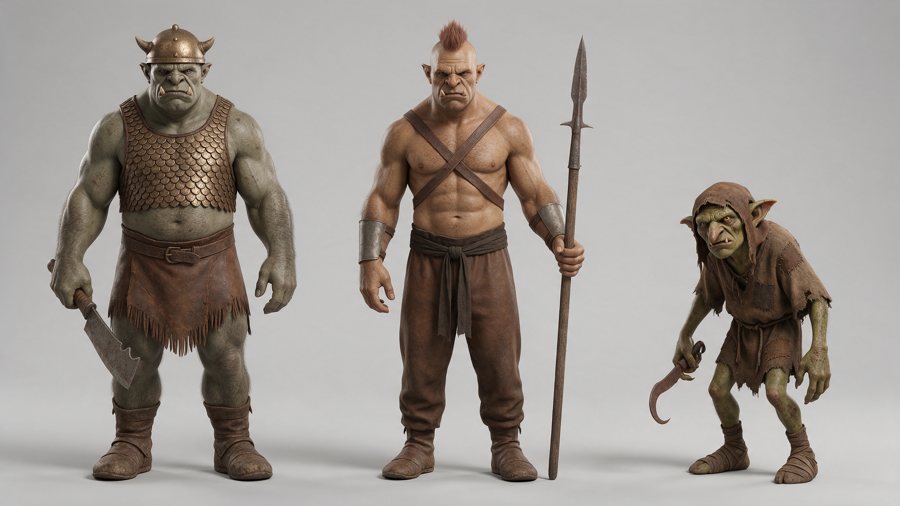
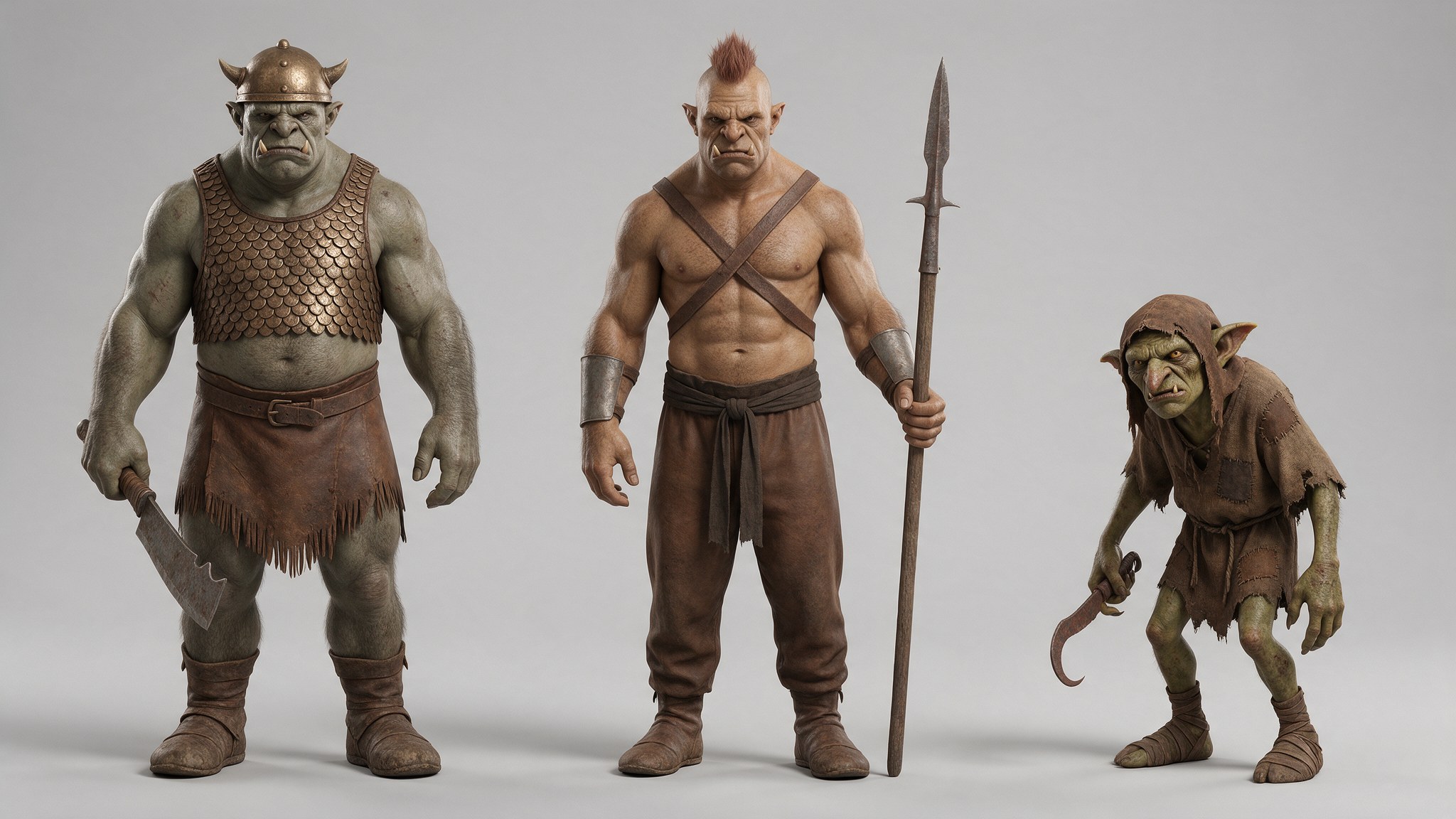
The design that clears the filter: original bronze-and-leather, horns bolted to the helmet, never growing from the head. One $0.04 sheet, used in every shot.
✗ Blocked
A horde of orcs charges the bridge as the archer looses a beam.
✓ Passed — rendered 70+ orcs
ORC 1 is grey-skinned and bald, hulking and bare-chested, with small tusks and one curved blade. ORC 2 is tan-skinned with a reddish-brown topknot, fighting with his fists. Behind them, a crowd of orcs further down the bridge.
◆
Before rendering, ask
Does this beat, or the arc around it, echo a famous film or TV moment? If yes, restage it. The most recent film used this check throughout and took zero blocks across seven shots, including a lightning strike on a massed crowd.
Chapter 06
Audio & Dialogue
Bracket syntax took us from garbled lines to seven clean ones in a row.
Seedance generates sound, and it costs nothing extra. Render with audio on, always.
The bracket syntax
Atlas documents a syntax that separates the audio channels. Without it the model has to guess whether a string is speech or a sound cue — and it guesses wrong.
Channel
Bracket
Example
Music
( )
(No music) (No BGM)
Sound effects
< >
<a bowstring released>
Dialogue
{ }
{Drake, cover fire!}
Subtitles
【 】
rarely needed
✗ Prose, buried mid-beat
...turns his head back toward his son to shout "Drake, ice arrow!" exactly once.
Transcribed as: "I, Sarah!"
✓ Braced, in the SOUND block
SOUND: <hooves> <wind> ; the father shouts, exactly once: {Drake, cover fire!} (No music)
Transcribed as: "Drake! Cover fire!"
◆
7 for 7
Every braced line across the two most recent films came back clean on a full-file transcription pass. The prose-in-quotes version garbled on the film before them.
The two-pass test
Run a full-file pass with voice detection and a narrow window around each line, then compare:
Narrow recovers it, full pass garbles or misses it → the line is buried in the mix. Lift it, or duck the music harder. Free fix.
Both miss it → it's a render problem. Re-render.
This is how ducking depth gets set. At 7 dB, two of three lines vanished from the full pass while still recovering in narrow windows. At 11 dB with 0.2s ramps, they came back.
Other audio rules
Keep lines under about eight words, one per shot, and write "exactly once".
Expect a music pad anyway. Seedance adds a faint tonal bed even when you ban music. Strip it from the raw render with a spectral pass — not by muting the whole track.
Check for a pad before laying music. Once your own music is in, the test is meaningless because the music is tonal too.
No animal vocalisations unless you want them. Roars and whinnies arrive uninvited and sound wrong.
Scoring the finished cut
Find the payoff frame in the video first — the largest low-band transient in the final shot. That's where the music's biggest hit must land.
Score every candidate hit in the song against the shape of your cut: does the implied excerpt open hot, and does it have a lull where your picture has one? Pick on fit, not on which hit is loudest.
Fit the beat grid to that excerpt only, against the music's own onsets — never against your cut times, which is circular. Suno tempos drift; a track written at 128 BPM fitted best at 114.9.
Shave shot tails to the grid, up to ~0.3s each, working cumulatively.
Re-locate the payoff afterwards. Trimming moves it by exactly the total trim.
Normalise to −14 LUFS, then limit — normalising alone overshot the true-peak target.
Chapter 07
The Films
What each one cost and what it taught.
Dragon Battle — 30.5s, $6.35, Seedance 2.0
What it taught: props are the number one slop source.
A character sheet whose back view shows a weapon gives you a second weapon in nearly every shot. Crop the back view off.
Never mention an empty scabbard — the model fills it with another sword. Say "his back is bare".
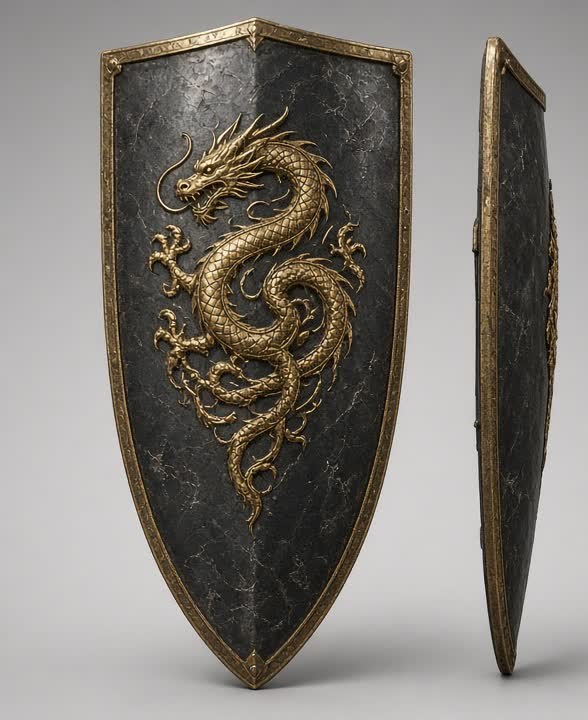
Passing a prop reference brings the prop back, even after the story dropped it. A shield reappeared after being thrown away.
Wide or over-the-shoulder shots make the creature mid-sized and far away, even on the full model.
The content filter refused a stab into the eye. "Between the eyes" passed.
Ranger Bridge — 40.6s, Seedance 2.5
What it taught: use real photographs for faces.
AI character-sheet face crops make the model invent a relative. Two or three real photos per person fixed it, with outfit sheets demoted to "clothing only, never the faces".
A toddler who had been reading as 5–6 years old started reading as 3–4.
"Without cutting" is ignored. Plan the edit assuming every beat may become its own shot.
Splice two takes on a white-out flash frame — the flash hides the join.
Grey out copyrighted prints on real photos before uploading.
Dragon Rescue — 56.2s, $15.02, Seedance 2.5
What it taught: most of this playbook. Four copyright blocks, and the rules that came out of them.
Scale goes first, using land cues. A creature reference image shrinks the creature — drop it for wide shots.
A foreground rock becomes the scale reference and shrinks everything behind it.
One shot, one job. If a frame must carry a creature, a captive and the heroes, split it into a chase shot and a cutaway.
State hand count both ways for grips — this is what finally produced a correct two-handed grip.
Never pair a hand-side rule with a camera angle that hides that hand.
Haze greys out a reference's colours. Don't soften a creature with mist; restate its colours exactly.
Write each new shot's opening state from the previous locked shot's actual last frames, not from the plan.
Canyon Stand — 41.8s, ~$19, Seedance 2.5
What it taught: environments need references, and wides are expensive. Also the first film with zero copyright blocks.
Two shots were abandoned entirely — one after six attempts and ~$3.70, all wides.
Three separate trap words cost renders: "hang", "ladder", "tripod".
Explicit CUT TO works, which turned one render into a four-shot sequence.
Re-render the broken segment, not the shot — $0.67 against $1.34, three times over.
A recurring artefact appeared three times in one shot. Fixing one occurrence and declaring victory failed twice; the answer was to scan every frame and then trim to the clean section.
▲
The arc across four films
Films 1–2: learning character count and props. Film 3: solving likeness with real photos, and meeting the copyright filter. Film 4: no blocks at all — and the last enemy standing was the environment.
Chapter 08
Failure Gallery
The renders that didn't work, the prompt that caused each one, and the fix.
Every clip below is a real paid render that failed. These taught us more than the successes.
1 — The rope that wasn't there
FAILED — a cord runs from the bag out of frame. It hangs like a piñata.FIXED — free flight, and the burst is bigger too.
✗ The prompt
The bag climbs and hangs above them... the bag hangs turning in the air.
✓ The fix
IT IS A THROWN OBJECT IN FREE FLIGHT. Nothing whatsoever is attached to it... It is not tied to anything, not suspended, not dangling and not swinging.
Cost: two renders before it was spotted, two more to fix. Lesson: chapter 1.
2 — The ladder that was meant to be arrows
FAILED — metal rungs with side rails climbing the rock.FIXED — separate wooden shafts, nothing joining them.
✗ The prompt
...a ladder of iron rings running straight up the sandstone.
✓ The fix
EACH ARROW IS ON ITS OWN: nothing joins one to the next, there are no side rails, no rungs, no crossbars, no rope and no line of any kind between them.
Lesson: the word "ladder" was doing the damage. Deleting it mattered more than banning rungs.
3 — The tripod
FAILED — a camera tripod standing in the canyon, centre frame. Summoned by the words "locked-off camera on a tripod" in the LOOK block.
✗ The prompt
LOOK: ... Locked-off camera on a tripod, completely still, no handheld shake and no drift.
✓ The fix
LOOK: ... The frame is completely STATIC and does not move, pan, tilt, track or drift at any point; the rock stays in exactly the same place from the first frame to the last.
Worth noting: the lock itself worked — the walls stopped morphing. Only the word was wrong.
4 — The dune that should have been a cliff
FAILED — a 45° sand slope with two tiny figures. No texture, no weight, no contact.FIXED — same beat, close framing. Vertical rock, grain, boots taking weight.
Three rounds of wording failed to make the wall vertical. Changing the shot fixed it immediately. Lesson: chapter 2.
5 — The wall that shrank
FAILED — asked to reproduce a towering rock face using a reference frame, inside a wide composition. The model kept the wide and discarded the wall, leaving a low barrier with open sky above it.
Lesson: a reference frame only transfers when the framing is comparable. Chapter 3.
6 — The boot at hand height
FAILED — a boot planted on the wall level with the climbing hand. Anatomically impossible, and it appeared three separate times in one shot.
Fixing one occurrence and sampling nearby frames "confirmed" the fix twice — and it was wrong twice. Lesson: when removing a recurring artefact, scan every frame of the shot at 3–4 fps and map all occurrences before cutting. If they recur throughout, trim to the clean section instead of chasing each one.
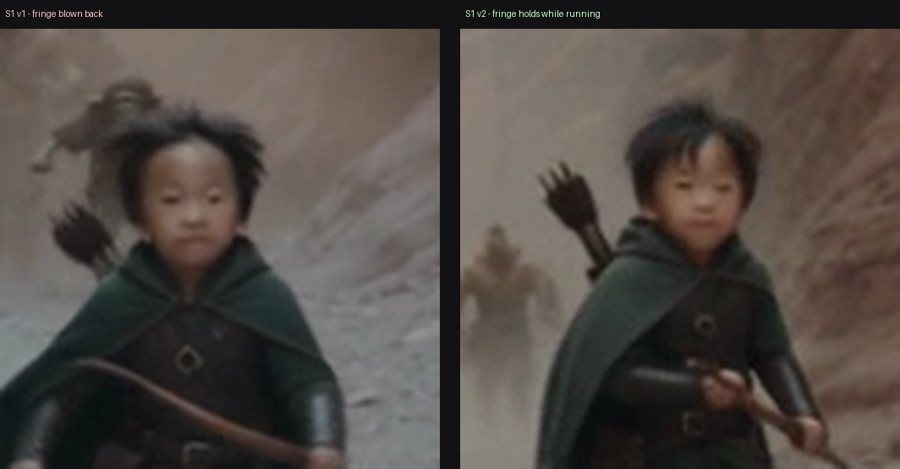
7 — The fringe that blew back
Left: a sprinting child's fringe lifts and the forehead dominates. Right: after pinning it explicitly. Motion was the cause — standing still, the haircut held fine.
His hair is a neat bowl cut with a straight, blunt, full fringe that lies
flat across his forehead and reaches down to his eyebrows. The fringe stays
flat and keeps his forehead covered at ALL times, INCLUDING WHILE HE IS
RUNNING, and never blows back, lifts, parts, spikes or is tied up.
◆
The common thread
Six of these seven were fixed by changing what the prompt describes, not by adding another prohibition. The seventh was fixed by changing the shot.
Chapter 09
Cost & Process
What things actually cost, and the process that stops you overspending.
Per-second pricing at 480p
Tier
$/sec
5s shot
Use for
seedance-2.0-mini
$0.011–0.045
$0.06–0.23
Structure tests
seedance-2.0-fast
$0.027–0.072
$0.14–0.36
Rare
seedance-2.0
$0.090
$0.45
Mid-tier work
seedance-2.5
$0.134
$0.67
Anything with faces
●
Pricing is per ACCOUNT, not global
The cheap tiers differ between accounts on the same provider — mini was $0.011/s on one and $0.045/s on another, a 4× gap, while 2.5 was identical on both. A probe quoted from one account's price list billed four times that on another. Always re-read the models endpoint after switching keys.
What a film actually costs
Film
Finished
Spent
Cost per finished second
Dragon Battle
30.5s
$6.35
$0.21
Dragon Rescue
56.2s
$15.02
$0.27
Canyon Stand
41.8s
~$19
$0.45
The trend is upward because the later films attempted harder shots. Roughly a third of Canyon Stand's budget went on two shots that were cut entirely. That is normal and worth planning for.
Three habits that save real money
1 · Test structure on the cheap tier
A mini probe answers "do the beats survive, do the cuts land, is the staging right" for a fraction of the price. It will not tell you about fidelity — mini renders small props as approximations and is poor at wide composition. Test structure, not looks.
▲
Test the thing you are about to shoot
We once probed a prompt, rewrote it substantially, then spent full price on the rewrite. The test told us nothing about what actually rendered.
2 · Re-render the segment, not the shot
Because the model cuts where you tell it, its own cut points are free splice points. A 10s shot with a flaw in its last 5s cost $0.67 to fix instead of $1.34, and kept the good takes. Over three fixes to one shot this saved about $1.80.
3 · Fix it in the edit first
Free fixes, in order of how often they work: trim before the flaw · cut on an existing cut · speed up slow action 1.4× (keep impacts at 1×) · crop or punch in up to ~1.3× · splice on a flash frame · grade-match joins.
QA before you deliver
Detect cuts at a scene threshold of 0.2, not 0.3 — the higher value misses real cuts on shots that share framing.
Check every frame at full size, and verify any claim before reporting it. A single still is not evidence — a passing limb reads as a deformity for one or two frames.
Count characters, limbs and props in every shot. Merged characters and extra limbs are invisible at contact-sheet size.
Deliver with an honest flaws list, every time, including on the version you think is final.
Credits
Films by Richard and Drake. Rendered with ByteDance Seedance via Atlas Cloud. Music written in Suno. Edited with ffmpeg.
The underlying notes, prompts and QA scripts live in the project repo. Everything here was learned on paid renders — if it saves you one wasted shot, it paid for itself.
Chapter 10The actual inputs
Reference Images
The sheets, props and frames behind the films. What each image defined, where it appeared in the archive, and what it taught us.
62Distinct images
15Project collections
0Real family photos shared
A reference is an instruction in image form. Its face, pose, background and props can all find their way into the render, even when the prompt asks for something else.
◆
Different images have different jobsReal photos define likeness; outfit sheets define clothing. Environment frames define the location, and prop references belong only in shots where that prop is present. The real family photos stay private; this gallery contains AI images and frames.
What to look for
The duplicate sword: the knight's back-view reference carried a weapon. The version with the back view removed shows the fix.
The drifting wall: a close climbing frame transferred to another close shot, but failed inside a wide composition.
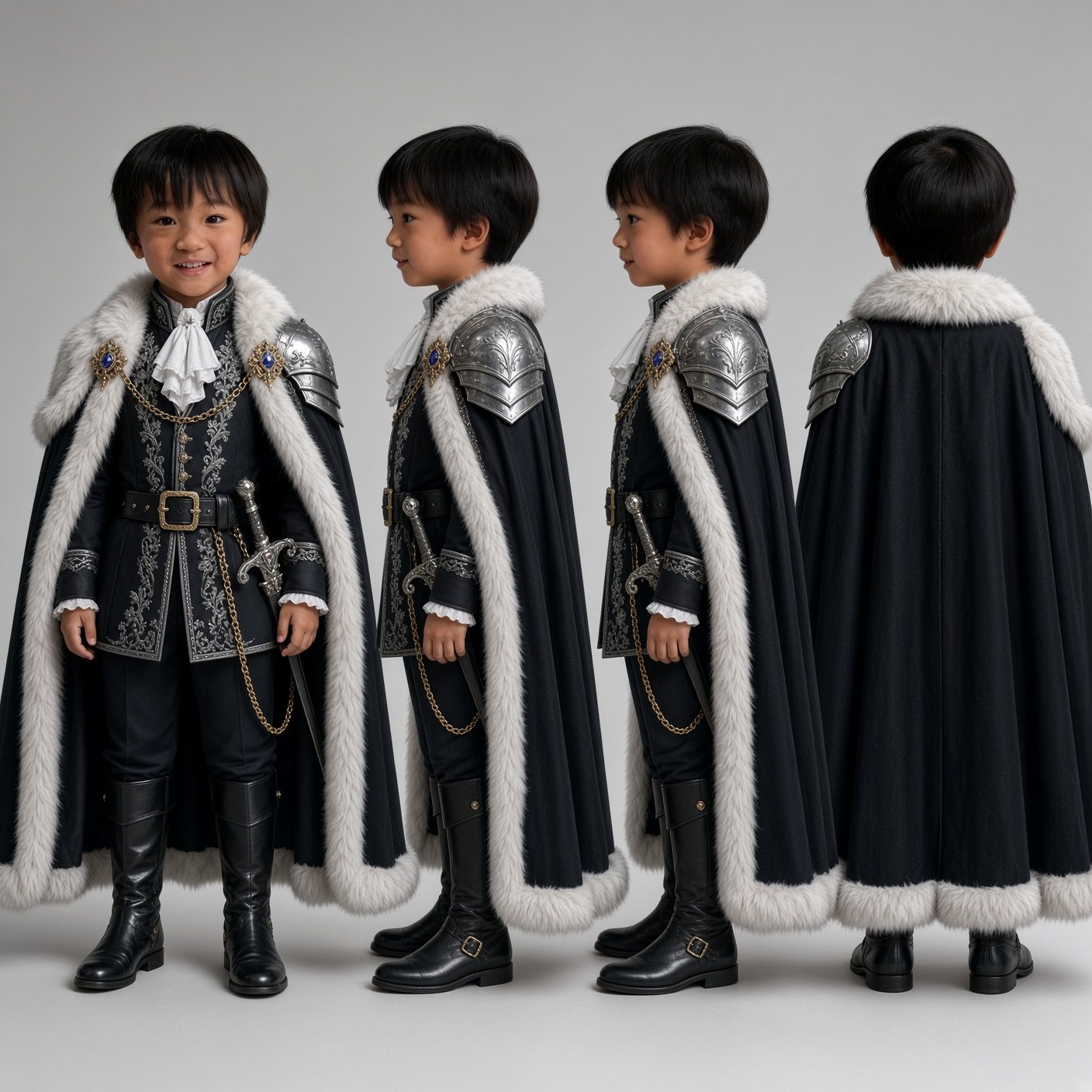
The face trap: an AI outfit sheet is useful for wardrobe. Its small face is not a substitute for a clear real photo.
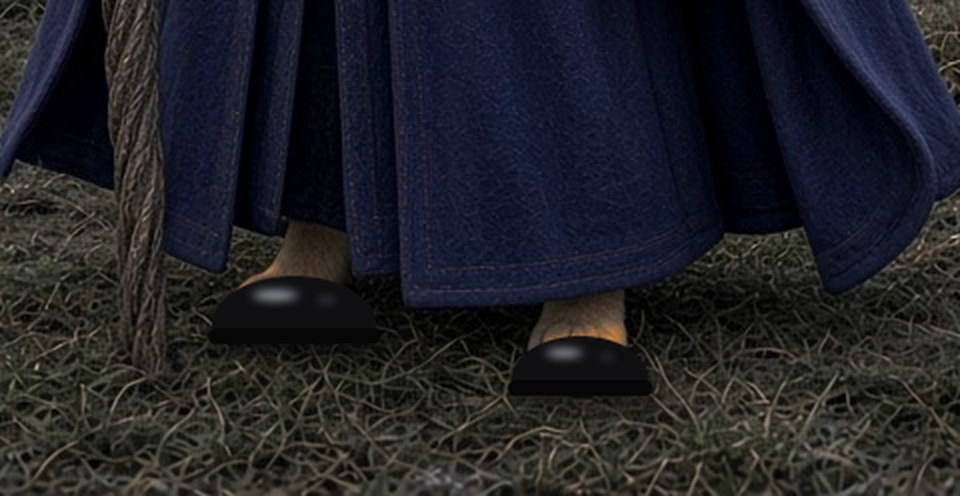
The paws patch: a dedicated feet reference helped repair the dance footage without replacing the whole sequence.
▲
Archive evidence, not a promise of successThese records combine render logs and run scripts. The Archer vs Knight Cat collection is marked planned / unverified because the handover contradicts itself about whether it rendered. The sword-free bust was a fallback only, with no logged submission. Other archived inputs include failed takes; they are not all recommended references. Some shot lists in the source archive are partial.
Browse the references
Filter by project or search a character, filename, prop or lesson. Open any image for a larger view. Repeated files are shown once, with their project records grouped underneath.
Showing all 62 reference images.
No references match these filters. Try another search or reset the filters.
Archived inputAI design sheet
Orc and goblin design sheet
Canyon Stand
Bronze-and-leather designs; horns belong to the helmet. Describe individuals in front and a crowd further back.
Files & shot notes
Canyon Standenemy_sheet_v2.png
Archive record: Recurring enemies.
Bronze-and-leather designs; horns belong to the helmet. Describe individuals in front and a crowd further back.
Held the rock in similar close framing. It failed as a wide reference: the towering face became a low barrier. Match reference framing to the new shot.
Files & shot notes
Canyon StandS6_wall_ref.jpg
Archive record: S6 environment iterations.
Held the rock in similar close framing. It failed as a wide reference: the towering face became a low barrier. Match reference framing to the new shot.
Source: October 19 handover, reference-image inventory and corrections; Canyon Stand reference folder, October 20. Images are web-sized copies with embedded metadata removed. Real family photos and AI face-only crops are omitted.